Nikolas
Getting Started with Voiden: Importing Your Postman Collections
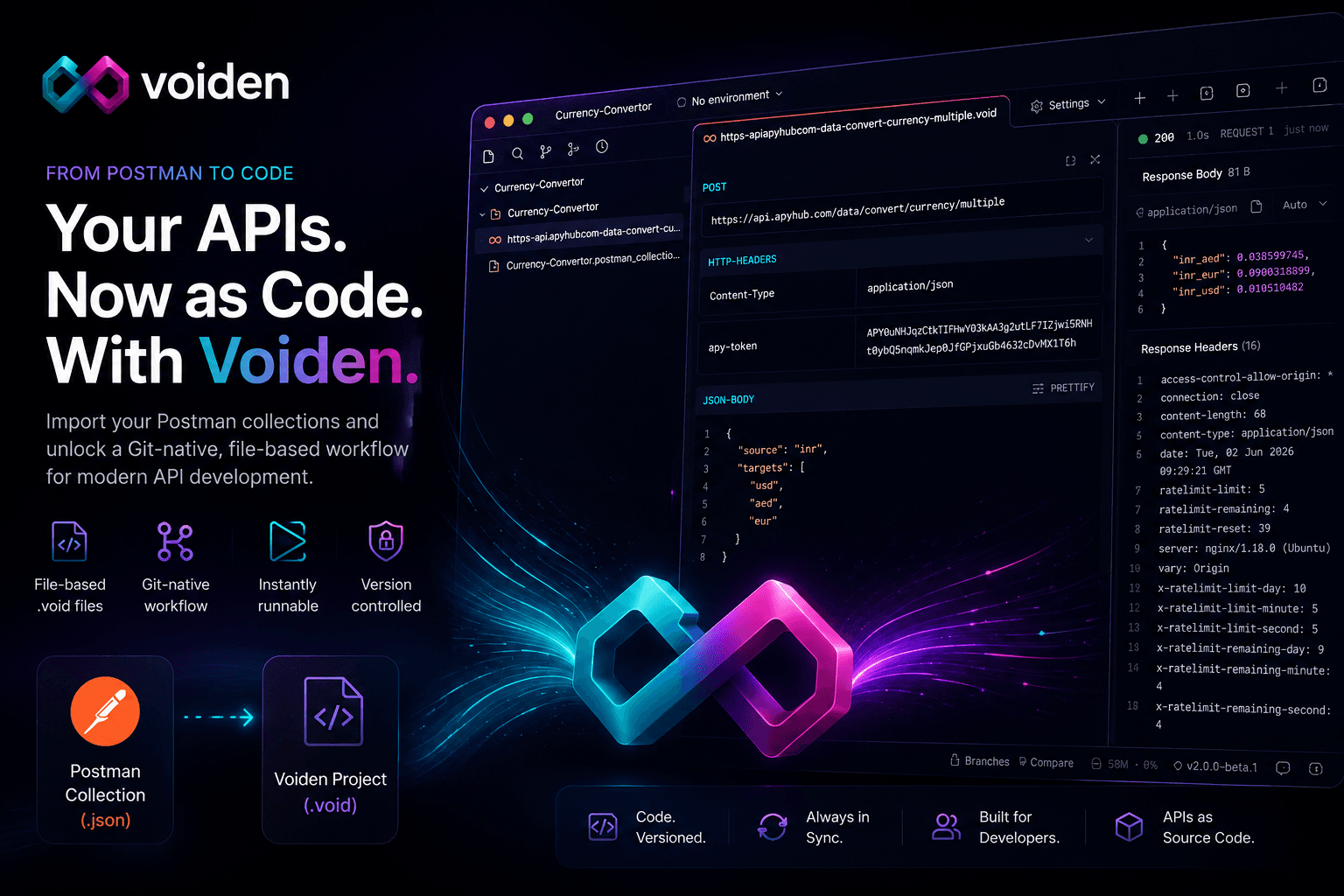
TL;DR: Voiden allows you to instantly migrate your Postman collections (including endpoints, environments, and data) into a Git-native, file-based workflow, turning your API into a version-controlled workflow.
If you have been building APIs for any amount of time, there is a good chance Postman is where your work started.
It is where you tested endpoints, stored environments, shared collections with teammates, and probably built up a decent amount of API history over time.
The problem is that work is trapped inside Postman's format.
Voiden gives you a way out by turning your existing Postman collections into clean, editable, Git-native .void files in seconds.
No manual migration and no need to start from scratch. Just import and continue where you left off.
Why Import from Postman?
Most teams don't start fresh with APIs. They evolve them.
So instead of asking you to rebuild everything, Voiden takes a simpler approach: Bring your existing API work with you.
Your Postman collection already contains:
- endpoints
- request bodies
- auth configurations
- headers
- environment variables
That's real engineering work and it should not be thrown away.
Voiden's import system converts that directly into a structured API project you can work with like code.
What You Need Before You Start
You only need one thing:
- A Postman Collection exported as JSON (v2.1 recommended)
That's all: No need for extra plugins or setup.
Importing Your Postman Collection into Voiden
Getting your collection into Voiden is intentionally simple.
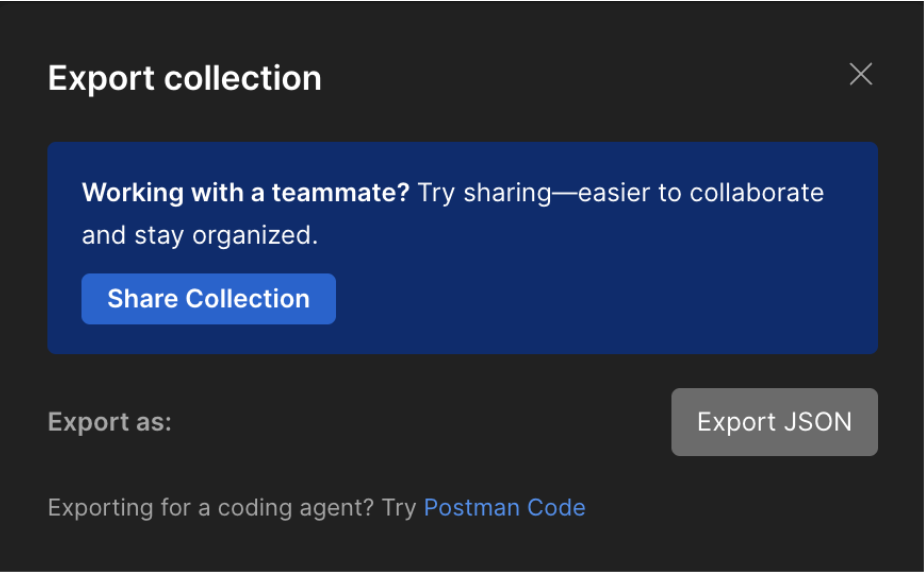
Step 1: Export your collection
In Postman:
- Select your collection
- Click Export
You'll get a .json file.
Step 2: Drop it into Voiden
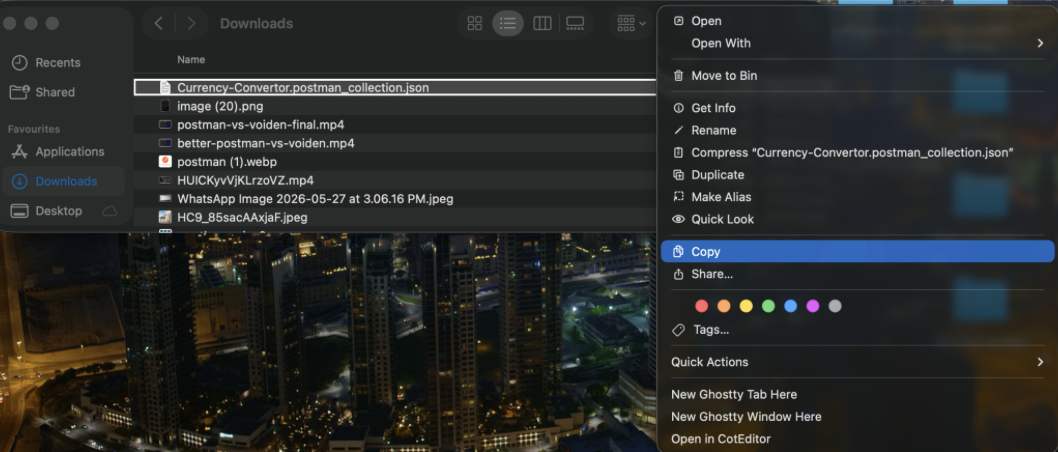
Open Voiden and:
👉 Drag your Postman JSON file into the left file panel
That's it.
Voiden immediately recognizes it as a Postman collection and prepares it for conversion.
Step 3: Generate Voiden files
Open the imported collection inside Voiden.
You will see a clear option: Generate Voiden Files
Click it.
Voiden now converts your collection into a structured project.
What Voiden Creates Automatically
Once the conversion runs, Voiden generates a clean project structure based on your collection name.
Inside it, each request becomes its own .void file.
That means your Postman collection is no longer a single JSON blob — it becomes a real, navigable API workspace.
Voiden extracts and converts:
Requests
- GET / POST / PUT / DELETE endpoints
- grouped into folders based on collection structure
Request Data
- headers
- authentication
- query parameters
- path variables
- request bodies
API Metadata
- response examples
- status codes
- descriptions (when available)
Environments
- variables (converted into .env-compatible usage where possible)
What You Get After Import
The moment you run the conversion, your legacy Postman collection is transformed into:
- a structured project directory filled with .void files
- clean, code-native API definitions you can edit directly
- instantly runnable requests without leaving the editor
- version-controlled API logic tracked natively by Git
- a local-first environment free from cloud-sync silos
This setup allows you to immediately:
- trigger requests with keyboard shortcuts
- edit request bodies as source code
- build out robust test assertions
- refactor your API architecture
- commit every change as part of your repo
- collaborate using your existing Git-based PR workflow
From Postman to the Voiden Workflow
Once imported, your workflow changes completely.
The old cycle of opening a dashboard, clicking through a UI, and dealing with manual cloud exports is over.
Your new workflow is engineered for speed: open your .void file, edit the code, run the request, and commit directly to Git.
Everything becomes file-based and version-controlled.
Why This Matters
Postman was designed around a cloud UI. Voiden is designed around your codebase.
That difference changes everything:
| Postman | Voiden |
|---|---|
| Cloud-first collections | Local .void files |
| UI-driven editing | Code-driven editing |
| Manual exports | Git-native versioning |
| Tool silo | Part of your repo |
| Hidden state | Transparent files |
Your API workflow stops being a tool you log into and becomes part of your project.
How your APIs look in Postman :
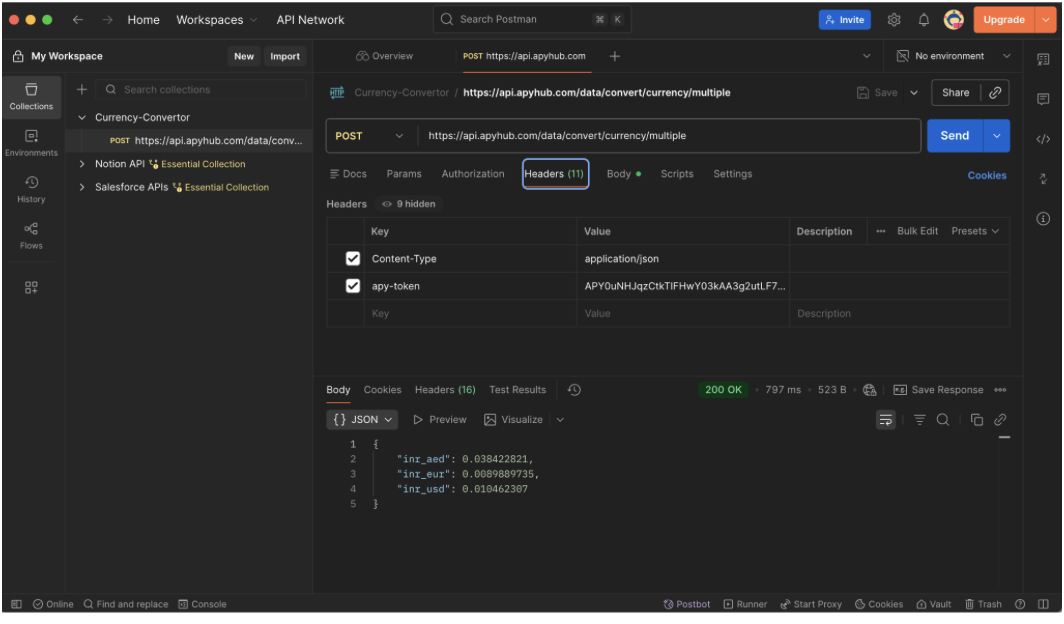
A Snapshot of Postman
How they look like in Voiden :
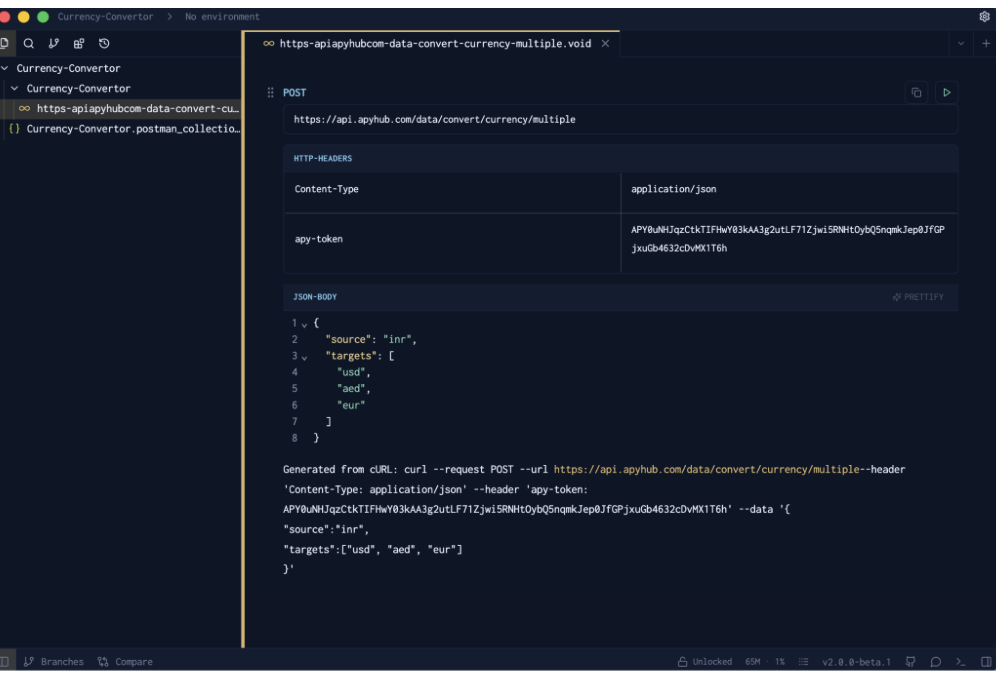
Block based structure in Voiden
Working with Your Imported APIs
Once the collections are imported, you can:
Run requests instantly
Press Ctrl / Cmd + Enter
View responses inline
No switching tools or tabs
Modify and extend
Add:
- assertions
- scripts
- variables
- auth strategies
Commit to Git
Treat APIs like real code (because they are).
A Better Way to Evolve APIs
Most API tools treat collections as documents. Voiden treats them as source code.
That's why importing Postman is not just migration — it's transformation.
You're not just moving data. You're moving into a workflow where APIs are:
- versioned
- testable
- scriptable
- reviewable
- composable
Final Thoughts
Voiden is a tool designed for modern API development that transforms traditional, cloud-based Postman collections into a file-based, Git-native, and version-controlled workflow. It fundamentally shifts the API lifecycle by treating your API definitions as source code that lives directly in your codebase.
Postman helped define how teams test APIs.
But modern API development doesn't live in a dashboard anymore.
It lives in your codebase.
Voiden simply makes that transition natural — by letting you bring everything you already built and continue working with it as real, version-controlled development artifacts.
Your APIs don't need to stay in Postman.
They can finally live with your code.
Ready to Evolve Your API Workflow?
Your API work shouldn't be trapped in a cloud dashboard.
You have already done the hard part by building your collections; now is the time to transition them to a file-based, Git-native workflow.
Import your Postman collections today and start treating your APIs like version-controlled code.
Related Posts

Nikolas Dimitroulakis
API Client Security for Enterprises: The Vendor Risk Nobody Reviewed
API tooling holds your company's tokens, internal endpoints, and customer data. Here's what CISOs and engineering leaders actually look for, how that translates to tooling decisions in the agentic era, and what a privacy-first API IDE changes.
Nikolas Dimitroulakis
How to Import OpenAPI Specs into Voiden and Turn Them into API Tests
Import an OpenAPI spec into Voiden, turn it into runnable requests, and add the auth and assertions that make it a real test suite.
Nikolas Dimitroulakis
Obsidian vs Voiden: When to Use Both
Obsidian is a notes workspace. Voiden is an API workspace. Where one job ends, the other begins, and why a lot of developers should be running both.