
Nikolas
Request History in Voiden: Never Lose Track of a Request Again
If you've worked with APIs for any meaningful amount of time, you know this moment. You run a request. You tweak something. You run it again. And somewhere between run three and run seven, you realize you can't remember what changed.
Was it the payload? A header? The auth token? Did you just overwrite the version that actually worked?
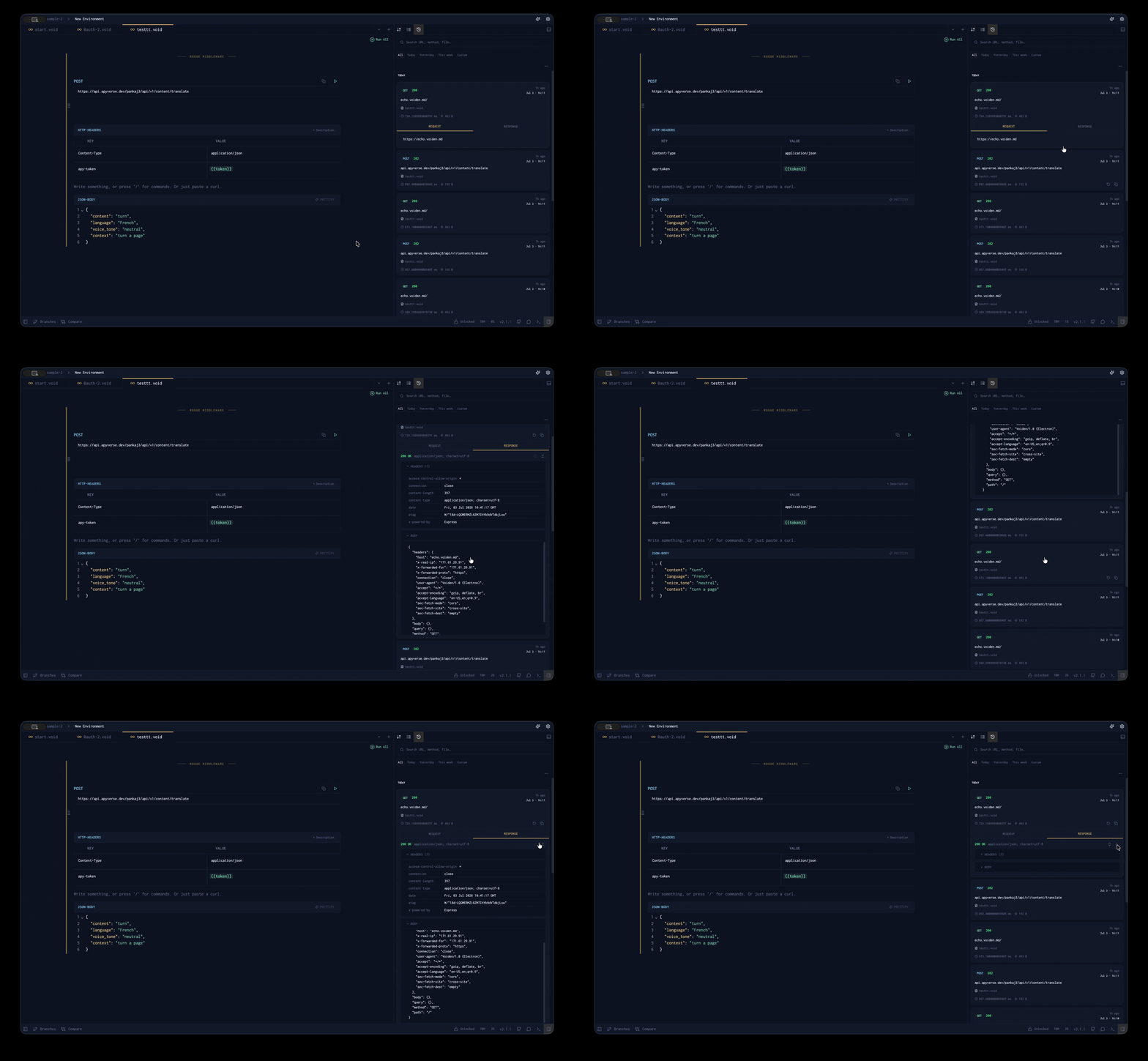
This is exactly the friction Request History removes. Every time you run a request inside a .void file, Voiden records a complete snapshot of the interaction — what was sent, what came back, any errors, and exactly when it happened — and stores it locally inside your project. Requests stop being disposable actions. They become part of your workflow timeline: something you can return to, inspect, and reuse.
Why this keeps happening
The underlying problem isn't carelessness. It's that most API tools treat a request as a moment, not a record. You hit Send, you read the response, and the moment is gone. The only "history" is whatever you can reconstruct from memory, terminal scrollback, or a log file in some other tool.
That works fine right up until it doesn't — usually mid-debugging, when the one thing you need is the exact request from twenty minutes ago.
What gets recorded
Each history entry captures the full picture of a single run:
- The request — HTTP method, URL, headers, and body, exactly as sent
- The response — full payload, status code, headers, and timing
- Any errors that occurred during execution
- A timestamp showing exactly when it ran
You're not looking at a log line that says "request executed." You're looking at a replayable moment from your development process.
Turning it on
By default, Voiden keeps things lightweight, so Request History is off until you enable it.
Go to Settings → History and switch on Record request history. That's it. From that point on, every request you run is recorded automatically in the background. No extra clicks, no "save to history" button to remember.
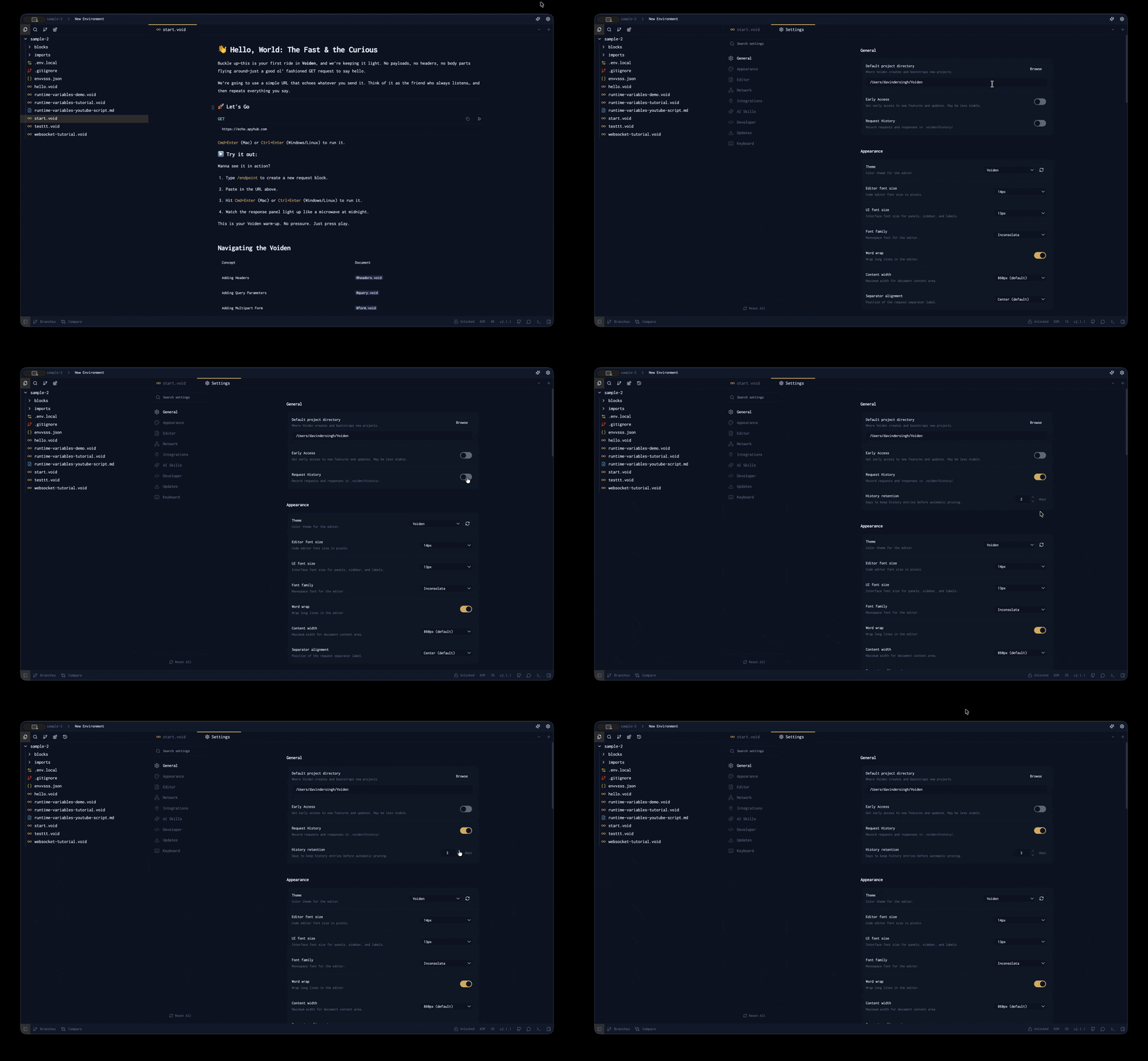
While you're there, you'll notice a retention setting. Worth a closer look.
Retention: history that cleans up after itself
Not all history needs to live forever. In most real workflows, you care about the last few debugging sessions, not what you ran in March.
You can set a retention window anywhere between 1 and 90 days. The default is 2 days, which fits most active development: today and yesterday are always available, and anything older fades out on its own. Voiden handles the cleanup automatically whenever history is written or loaded — you never have to prune it manually.
Where your history lives (and doesn't)
This is the part I care about most, because it's where Request History stops being a UI feature and starts being a design decision.
Your history is a set of files in your project, not rows in someone else's database. Everything lives under a hidden folder:
<project>/.voiden/history/<tab-name>-history.json
Each .void file gets its own history file, so your /users endpoint history never mixes with your /auth or /payments work. Move the project, and the history moves with it. Work offline, and nothing breaks, because nothing ever left your machine in the first place.
At the same time, Voiden automatically adds .voiden to your .gitignore. Your API definitions stay in the repo, versioned and reviewable. Your execution history stays local, where it belongs. No accidental commits full of response payloads, no tokens leaking into git history.
Watching a request happen
One subtle detail: history doesn't wait for a request to finish.
The moment you hit Run, Voiden creates a placeholder entry and marks it as running in the History panel. When the response arrives, the placeholder updates with the full result and gets persisted to disk. Small thing, but it changes the feel — you're watching your requests evolve in real time instead of firing them into the void and waiting.
(Yes, I noticed what I did there.)
Global History: the whole project at once
Per-file history is great when you're focused on one endpoint. Real debugging rarely stays in one file.
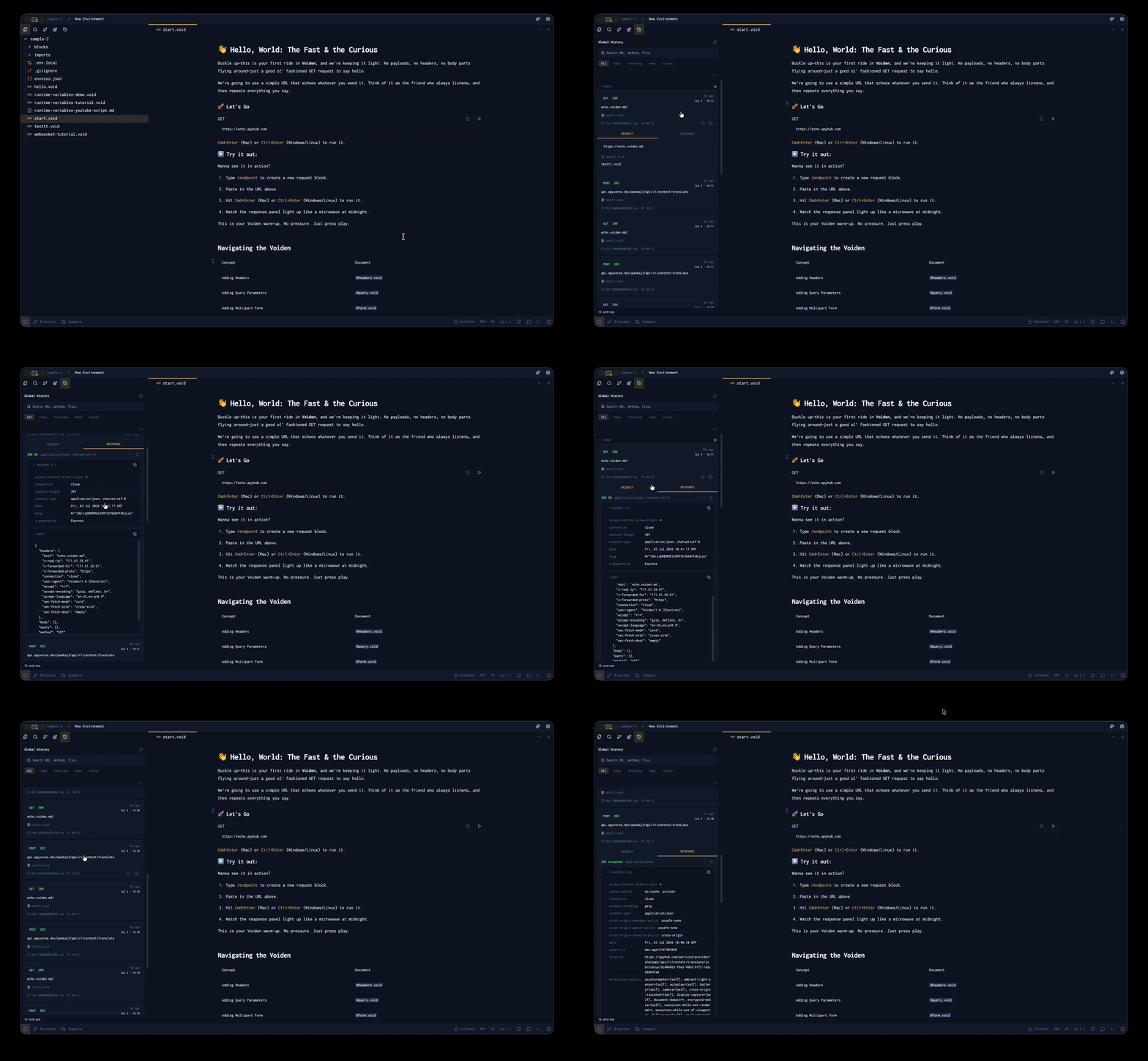
From the left sidebar, Global History gives you a single chronological view of everything you've executed across the entire project. Tracing a flow that spans authentication, then user creation, then data retrieval? Instead of reconstructing the sequence from three different tabs, you read it top to bottom as one timeline.
History is not passive storage
Every entry is designed to be used again, not just looked at:
- Replay it. Voiden reconstructs the entry as an executable flow, so you can modify and rerun it immediately. The fastest path back to "the version that worked."
- Copy it as cURL. One click, and the request is portable — into a terminal, a Slack message, a bug report, a teammate's completely different setup.
- Work in bulk. Select multiple entries to export together, or clean up history in batches.
Exporting history as .void files
This one is easy to miss and genuinely useful: history entries can be exported as actual .void files, organized by date:
<project>/<TabName> History/YYYY-MM-DD/<TabName>-HH-MM-SS.void
Which means your history isn't just a debugging aid. It's a set of reproducible snapshots of your API's behavior at specific points in time — real files you can commit, diff, and turn into regression tests or documentation. Teams use this to pin down when an API's behavior changed, or to reconstruct a test scenario from the exact request that exposed a bug.
Why it matters
APIs aren't static definitions. They're living interactions, and without history, those interactions disappear the moment you move on.
With Request History on, debugging stops feeling like reconstruction work and starts feeling like navigation. You don't guess what changed between two runs. You open the timeline and look.
There's also a short video walking through all of this if you'd rather watch than read: Voiden Request History: Track Every API Call Instantly.
Try it out
- Download Voiden and open a project with a .void file.
- Enable Settings → History → Record request history, then run a few requests.
- Open the History panel, replay one, and copy another as cURL.
If you have thoughts on retention defaults or what else a history entry should capture, tell us in GitHub Discussions. Download Voiden at voiden.md/download, or dig into the repo at github.com/VoidenHQ/voiden if you want to see how it works under the hood.
Related Posts
Phurpa Tsering
Turn Your Tested API Requests Into Agent-Callable MCP Tools
Turn a request you've already tested into an MCP tool that agents can call, then publish it with @voiden/mcp. Use stdio for local use, or --http/--tunnel for a server you can host.
Phurpa Tsering
Bring Any MCP Server Into Your API Testing Workflow
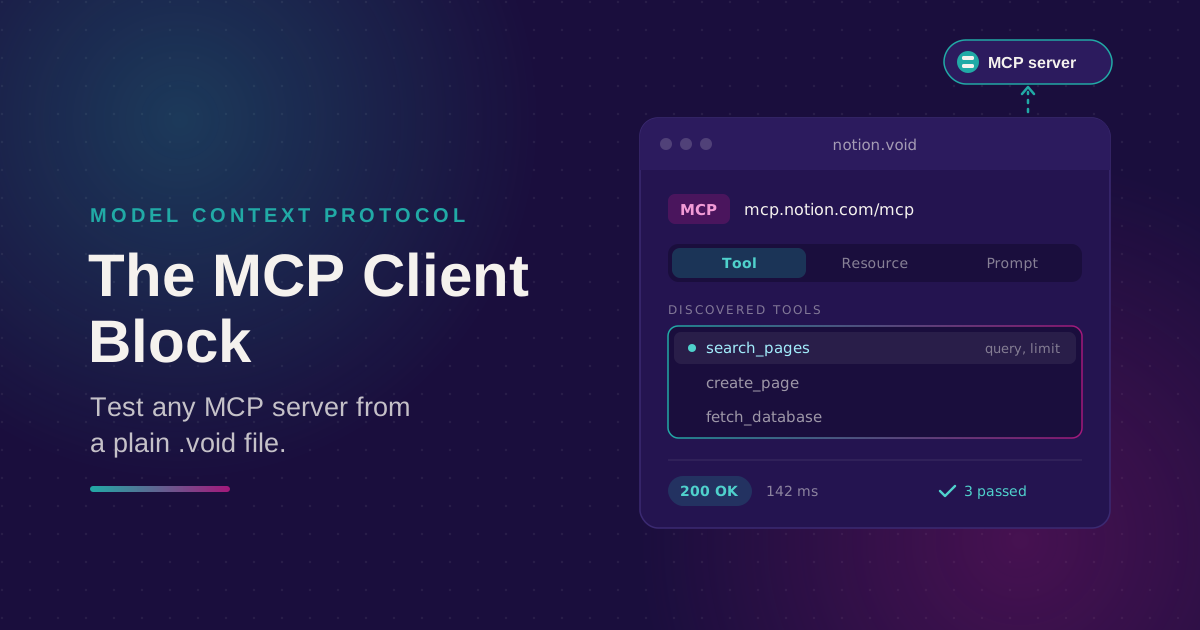
Connect to any Streamable HTTP MCP server, browse its tools, resources, and prompts, and call one. Check the response with the same auth and assertion blocks you use for REST, all from a plain .void file.
Phurpa Tsering
Give Your Coding Agent Real Access to Your API Requests
One status-bar button (or one CLI command) registers your project with Claude Code or Codex over MCP, giving your coding agent the same six tools Voiden uses to list, run, and manage requests.