Nikolas Dimitroulakis
How to Import OpenAPI Specs into Voiden and Turn Them into API Tests
An OpenAPI spec already describes every endpoint your API has: paths, methods, parameters, example bodies. The tedious part isn't writing that description, it's turning it into requests you can actually run.
Voiden imports the spec directly and generates real, runnable requests from it. From there, the work is adding the two things a spec can't give you: your own auth and the assertions that turn a request into a test.
Here's the flat version of what this post covers: import the spec to get the structure for free, then add auth and assertions by hand so the generated requests become a real test suite.
From OpenAPI import to runnable API tests
Voiden imports an OpenAPI spec (.yaml or .json) directly into .void files: plain Markdown with structured request blocks, living in your Git repo next to the code and, if you keep it there, next to the spec itself. That one property — files in a repo instead of rows in a database — is what makes the rest of this workflow possible.
Step 1 — Import the OpenAPI spec
Drag your openapi.yaml or openapi.json into Voiden. An OpenAPI Preview button appears — click it and you get every endpoint in the spec, grouped by tags, with search if the spec is a big one. Pick the endpoints you want (or Select All), then hit Generate voiden files.
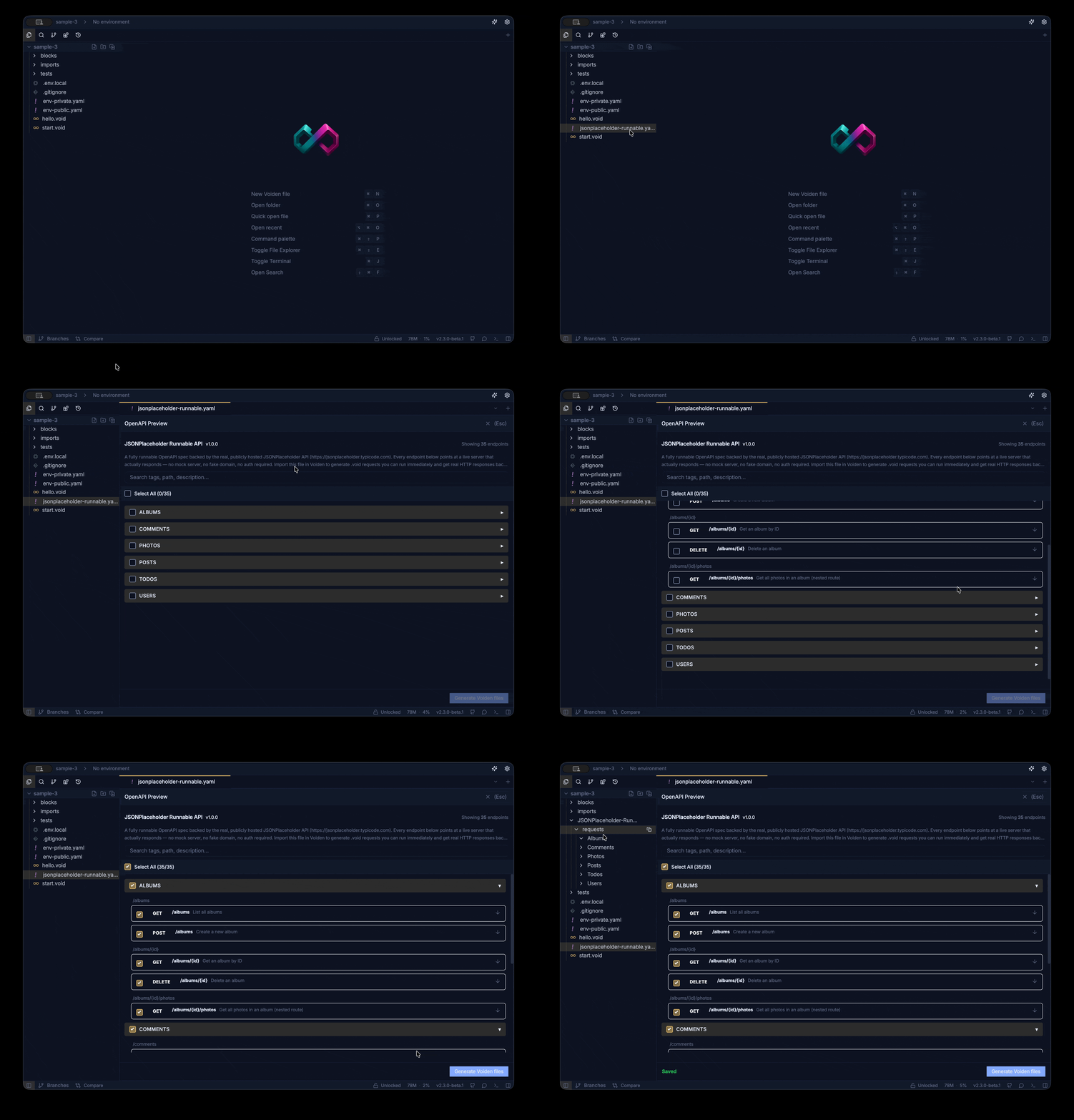
Voiden creates a folder named after your API, endpoints grouped into subfolders by tag, and each endpoint becomes its own .void request file with the method, path, and parameters already set up from the spec. If your spec defines request bodies and example data, those come along too.
The whole flow is handled by the OpenAPI Import plugin from Voiden's core plugin pack; the import docs cover it step by step, and the plugin page has the full detail.
Open one of those files in any editor you like. It's Markdown. No export step, no proprietary format, nothing you need Voiden to read.
There's also a short video walking through the import if you'd rather watch than read: How to Import OpenAPI into Voiden.
Step 2 — Run what got generated
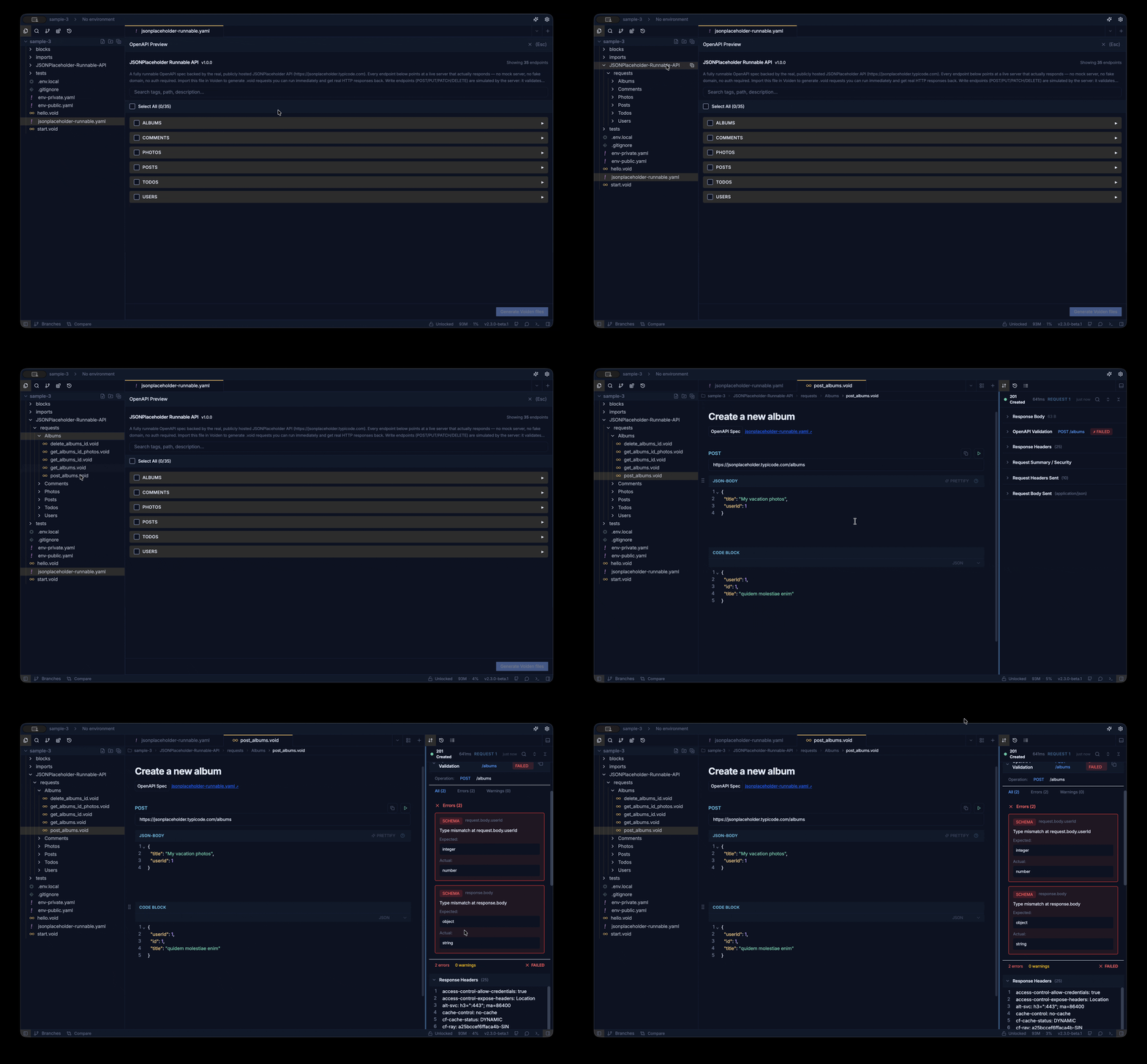
Hit Cmd/Ctrl+Enter on a request. The structure will be right, because it came from the spec: correct paths, methods, declared params.
What won't work out of the box is the stuff a spec can't know. If the spec defines example data, Voiden pre-fills it, which gets you surprisingly far. But a spec doesn't hold your credentials, and generic example values rarely survive contact with a real staging environment. That's the part you add by hand — which brings us to the important bit.
Step 3 — Hand-edit the right things, in the right place
The rule of thumb: the spec owns the structure. You own the auth, the examples, and the tests. Keep the border clean.
-
Auth goes in a reusable block, not into every generated file. Define your auth once as its own block and reference it from requests. Since v2.2.0, request inheritance makes this even simpler: shared setup like auth can be defined once at a higher level and inherited down, instead of repeated per file.
-
Example bodies and assertions are yours. Add realistic payloads and assertion blocks to the requests you actually exercise. This is the honest version of "OpenAPI to API tests": the spec gives you the skeleton for free, you add the assertions that make it a test, and the result is a runnable test file sitting in Git beside the spec it was generated from.
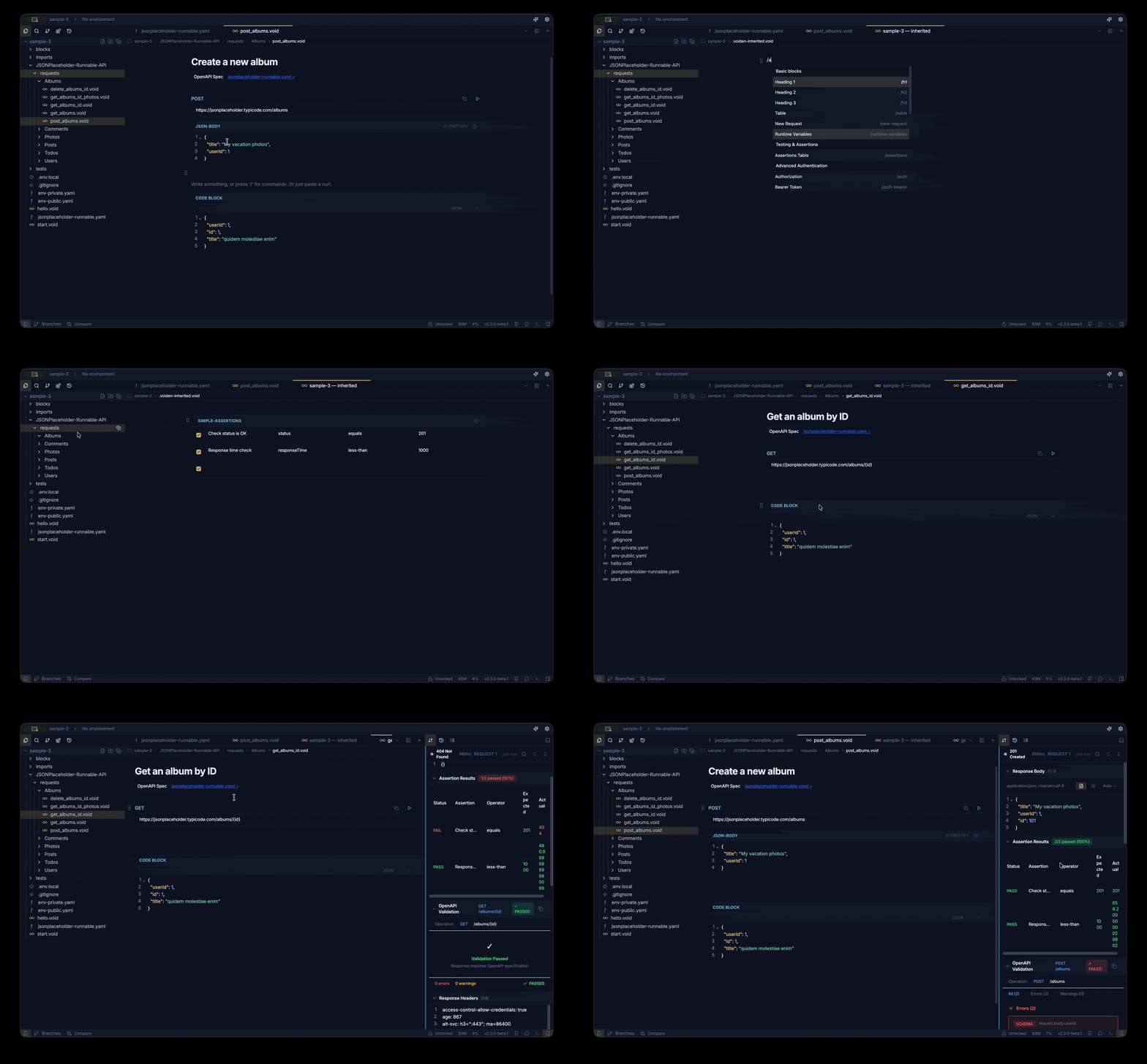
This separation is what keeps your hand-edits intact: auth and tests live in referenced blocks, separate from the generated request files.
What this buys you
- Spec, requests, docs, and tests live in one repo. Everything is plain text, so changes are reviewable like any other pull request.
- Nothing locked away. Every generated file is Markdown your whole team can read, grep, and review without installing anything.
FAQ
Can Voiden import both YAML and JSON OpenAPI specs?
Yes. Drag either an openapi.yaml or openapi.json file into Voiden, and the OpenAPI Import plugin handles the rest: preview, endpoint selection, and generation of .void request files.
How do I turn an OpenAPI spec into API tests?
Import the spec to generate the requests, then add assertion blocks to the endpoints you care about. The spec provides the structure (methods, paths, parameters, example bodies); your assertions make each file a runnable test that lives in Git beside the spec.
Try it out
- Download Voiden, drag in your OpenAPI spec, and hit Generate from the preview.
- Move auth into a reusable block, add one assertion to one request, and commit. If you hit something odd during import, tell us in GitHub Discussions — real specs are messier than example ones, and those reports genuinely shape the importer.
You can download Voiden at voiden.md/download, or poke around the repo at github.com/VoidenHQ/voiden to see how it works under the hood.
Related Posts
Davinder singh
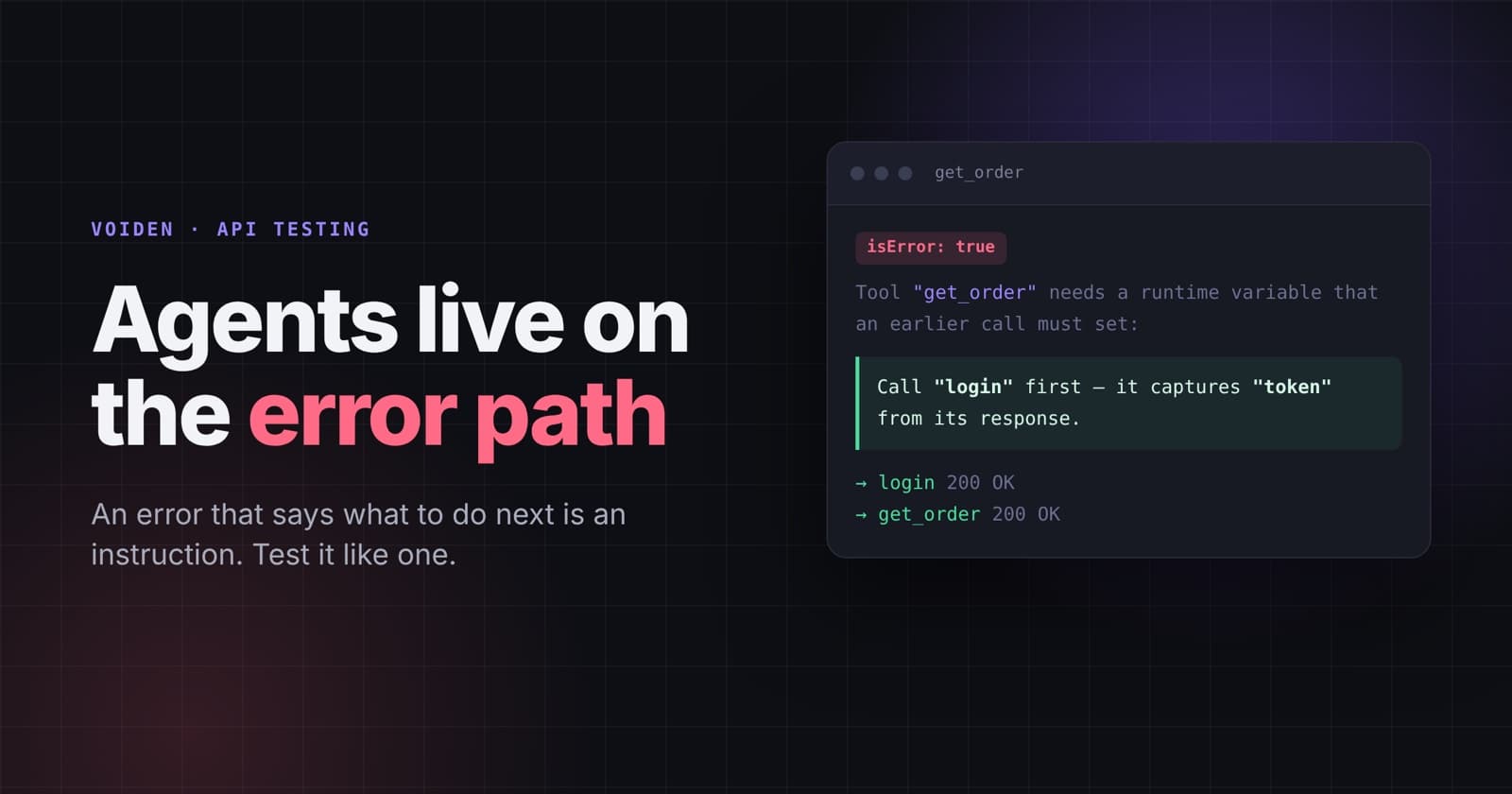
Agents Live on the Error Path
An error that says what to do next is an instruction. Test it like one. What an agent needs from your API errors, where hints should stop, and how to keep error contracts from breaking.
Phurpa Tsering
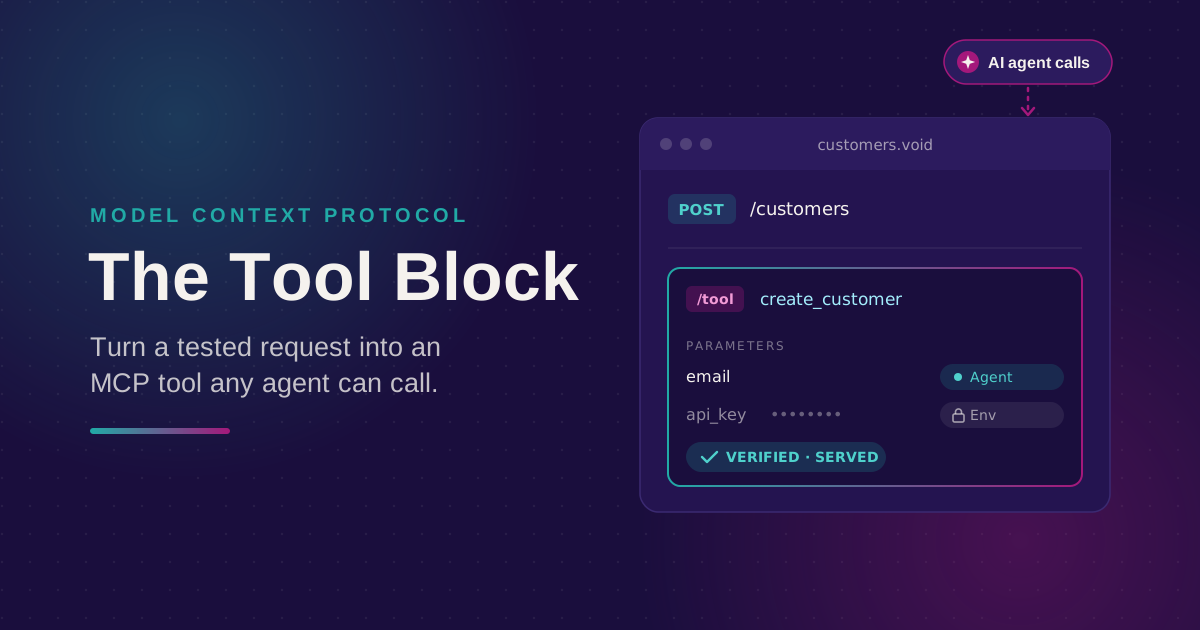
Turn Your Tested API Requests Into Agent-Callable MCP Tools
Turn a request you've already tested into an MCP tool that agents can call, then publish it with @voiden/mcp. Use stdio for local use, or --http/--tunnel for a server you can host.
Phurpa Tsering
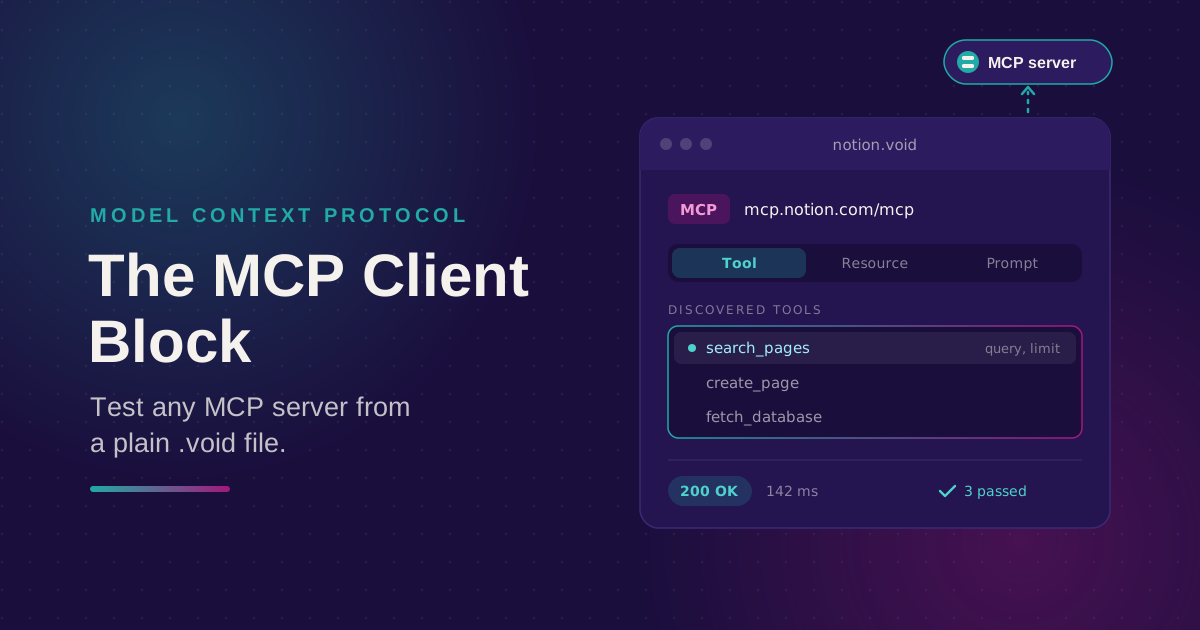
Bring Any MCP Server Into Your API Testing Workflow
Connect to any Streamable HTTP MCP server, browse its tools, resources, and prompts, and call one. Check the response with the same auth and assertion blocks you use for REST, all from a plain .void file.