Phurpa Tsering
The Pull Request Nobody Reads: Reviewing API Requests Like Code
Here's a pull request a lot of us have approved without reading.
The title says "update checkout request". The diff is hundreds of lines of JSON. Somewhere inside it, someone added an Idempotency-Key header, renamed amount to amount_cents in the body, and (by accident) deleted the X-Request-ID header that your logging depends on.
The reviewer scrolls, sees a wall of "key": and "value":, decides it's "just the collection file", and clicks Approve.
That last bit is the problem. A request nobody reviewed is a production change nobody approved. We review a one-line change to a config file. We don't review the file that decides what our app actually sends to the payment provider.
This post is about why that happens, and how we made API request changes small enough to actually review in Voiden.
Why API changes skip review
It isn't laziness. The format makes review hard.
Plenty of teams version their API requests as one big exported collection file: every request, every header, every saved example, plus IDs and ordering metadata. Change one header and the diff can touch the request, its examples and a few auto-generated fields. Two people editing the same collection on the same day can get a merge conflict in a file nobody wants to open.
So teams do the reasonable thing. They stop looking.
If you've ever said "don't worry about the collection changes, they're auto-generated" in a PR, you've seen it happen.
What a reviewable API change looks like
Three things have to be true before a reviewer can say yes or no to an API change with a straight face:
- The change is small. One request per file, so a change to the checkout request only touches the checkout file.
- Shared parts live once. If ten requests use the same auth and tracing headers, those headers sit in one reusable block. Change them in one place, review them in one place.
- The diff speaks the reviewer's language. "The X-Request-ID header was removed" is a review comment. "Line 287 changed from } to }," is noise.
In Voiden, requests are plain-text .void files (Markdown plus request blocks), in the same Git repo as your code. Every part of a request (endpoint, headers, query params, body, auth) is its own block, and blocks can be linked from other files. That takes care of the first two points.
The third one took longer.
Diffs that show blocks, not Markdown
A .void file is readable as plain text, which is the whole point. But a raw Markdown diff of a request still makes you parse it in your head: which lines are headers, which are the body, which change actually matters.
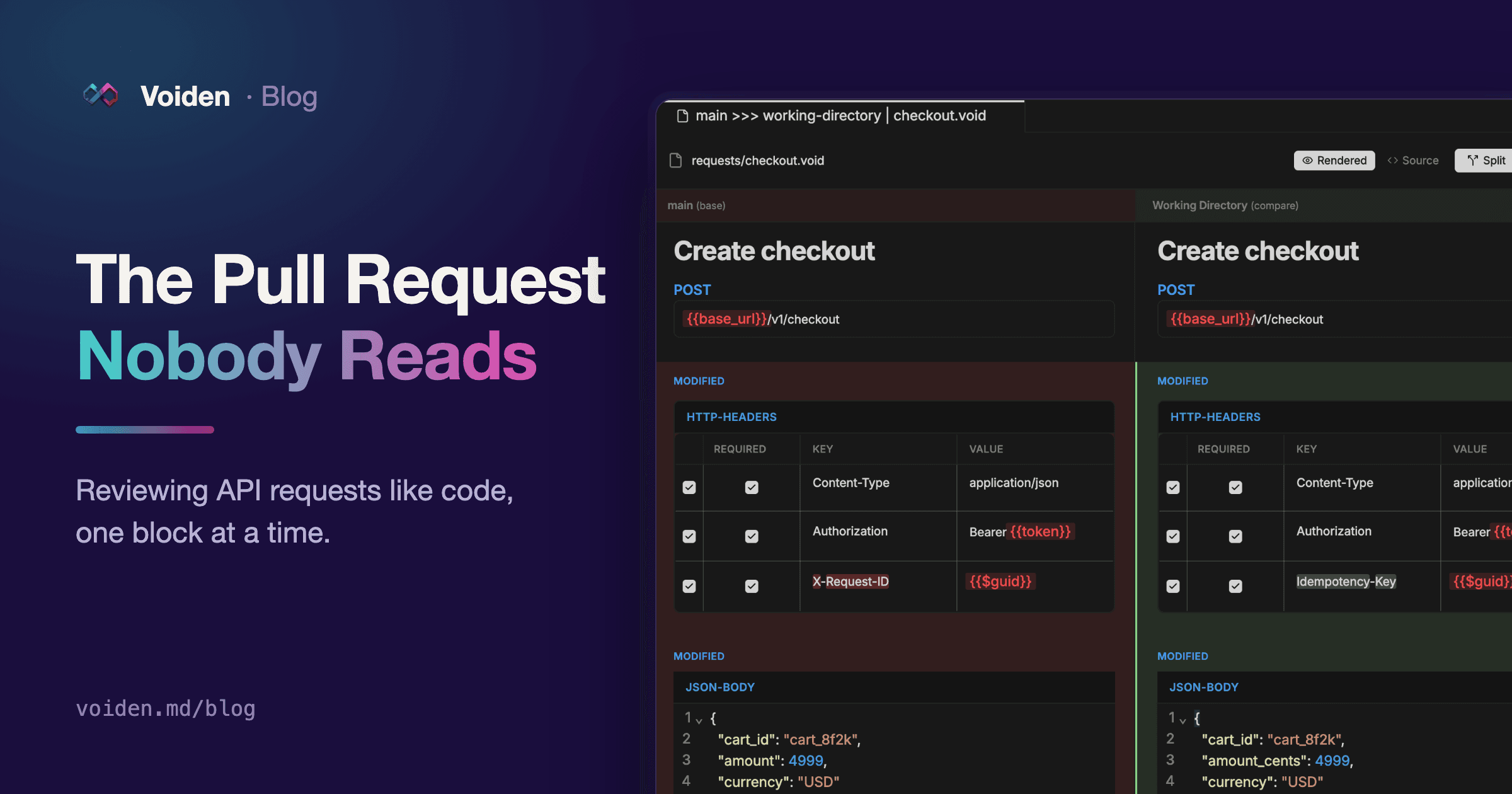
So in Voiden 2.4, diffs of .void files show as native Voiden blocks instead of raw Markdown. Each changed block is marked Added, Removed or Modified.
For the checkout PR above, that means you'd see three things:
- the headers block marked Modified, with Idempotency-Key added and X-Request-ID gone
- the JSON body block marked Modified, with amount renamed to amount_cents
- everything else unchanged and out of the way
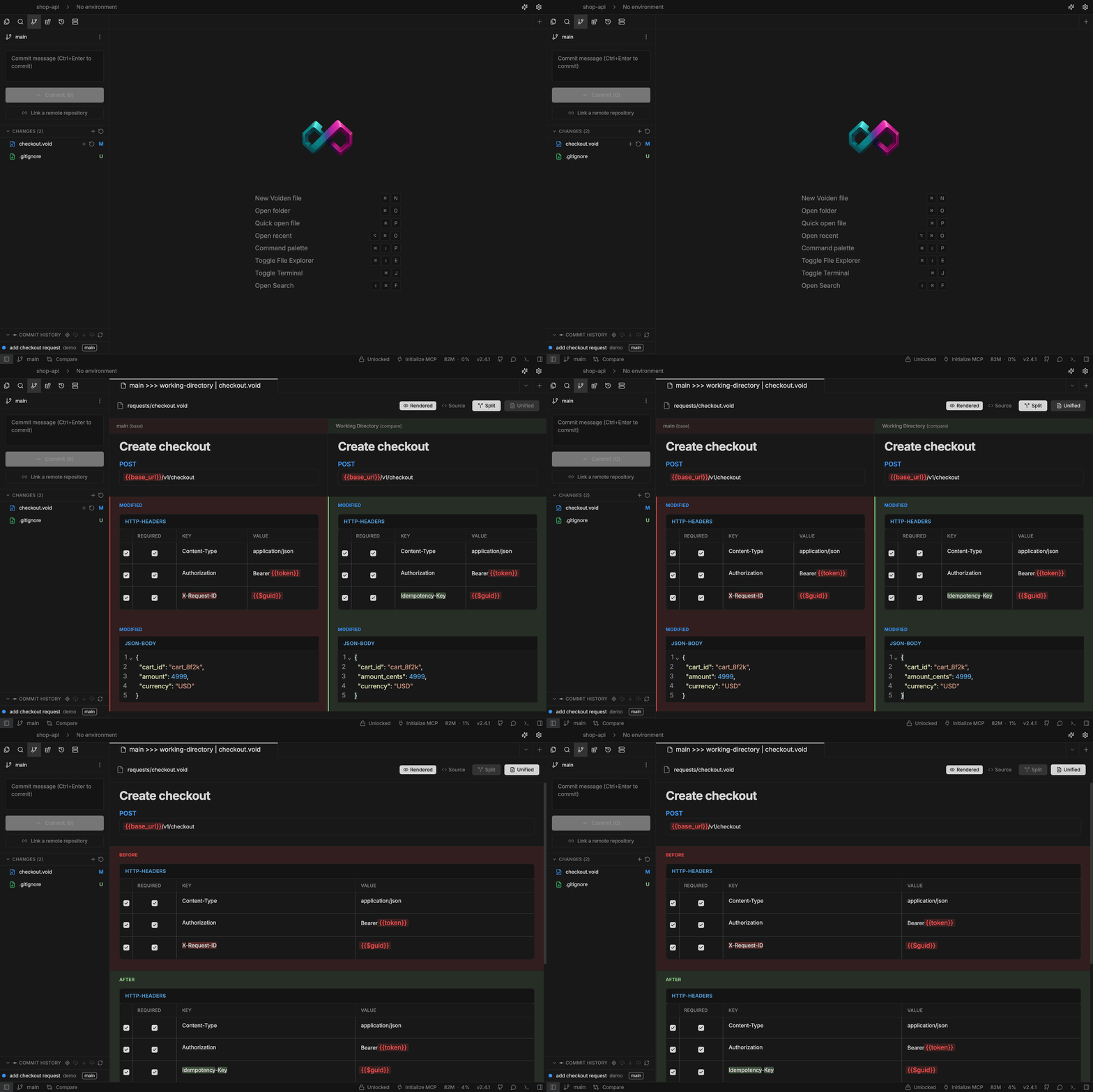
The checkout change from the top of this post, opened from Source Control. Split view first, then Unified.
Block diffs aren't limited to one screen. They work in:
- uncommitted changes, so you can review your own change before you commit it
- Commit History, to see exactly what a past commit did to a request
- branch comparison, which is how you review someone else's PR (more on that below)
- Open File at This Commit, to read a request as it was at any point in history
And when two branches touch the same request, merge conflicts in .void files show up as block cards with Keep Current, Keep Incoming and Keep Both. Before saving, Voiden checks that the result is still a valid .void file, so a rushed conflict fix doesn't leave you with a request that won't parse.
Block diffs and block conflicts were built by community contributor Simran Dhindsa (@simranxdhindsa, in #606 and #607). They went out in the 2.4 beta on October 27 and became stable on November 4.
How to review an API PR in Voiden, step by step
Here's the workflow we use.
- Fetch and check out the PR branch from the branch list in Voiden's Source Control panel (Fetch All, then Checkout Branch).
- Click Compare in the status bar, pick main as the base and the PR branch to compare. You get every file that differs between the two branches.
- Click each .void file. You get the block diff: which blocks were added, removed or modified, and what changed inside them.
- Run the changed request. This is the part a normal code review can't do. The request is right there, so you can hit Run and check the new body against staging before you approve.
- Leave your comments on the PR in GitHub or GitLab, as you would for any other file. Because the .void file is small and readable, a comment like "we still need X-Request-ID here, our tracing depends on it" lands on the exact lines.
Step 4 is worth repeating: you're not just reading the change, you can execute it. A reviewer who has seen the 200 with their own eyes approves differently.
What doesn't work yet
The block view lives inside Voiden. On GitHub's PR page, a .void change still shows as a normal Markdown line diff.
That's much better than a wall of collection JSON, because the file is small and readable plain text. But it isn't the block view. So for now the honest workflow is: skim it on GitHub, open the branch in Voiden for the real review.
We go back and forth on what to do about that. One option is a bot that posts the block summary as a PR comment ("headers: Modified, 1 added, 1 removed"). Another is to leave GitHub alone and keep the review in the tool where you can also run the request.
Your turn
So, a real question for teams that version their API requests:
Do API request changes in your repo need an approval like code? And if they do, would you want the block summary on the PR page itself, or are you fine opening the branch in your editor?
Tell us on r/voidenmd or in a GitHub discussion. If enough people want the PR comment bot, it becomes a good first issue.
Voiden is an open-source API workspace where requests, tests and docs live as plain-text .void files in your Git repo. Download it free, or read how the Git panel works.
Related Posts

Phurpa Tsering
Your Imported Requests Lost Their Auth. Put It Back Once.
Requests that inherited auth from a Postman collection or Bruno folder arrive in Voiden with none. How config inheritance puts it back in one file, and two choices we made that you might disagree with: replacing instead of merging, and keeping the file out of Git.
Phurpa Tsering
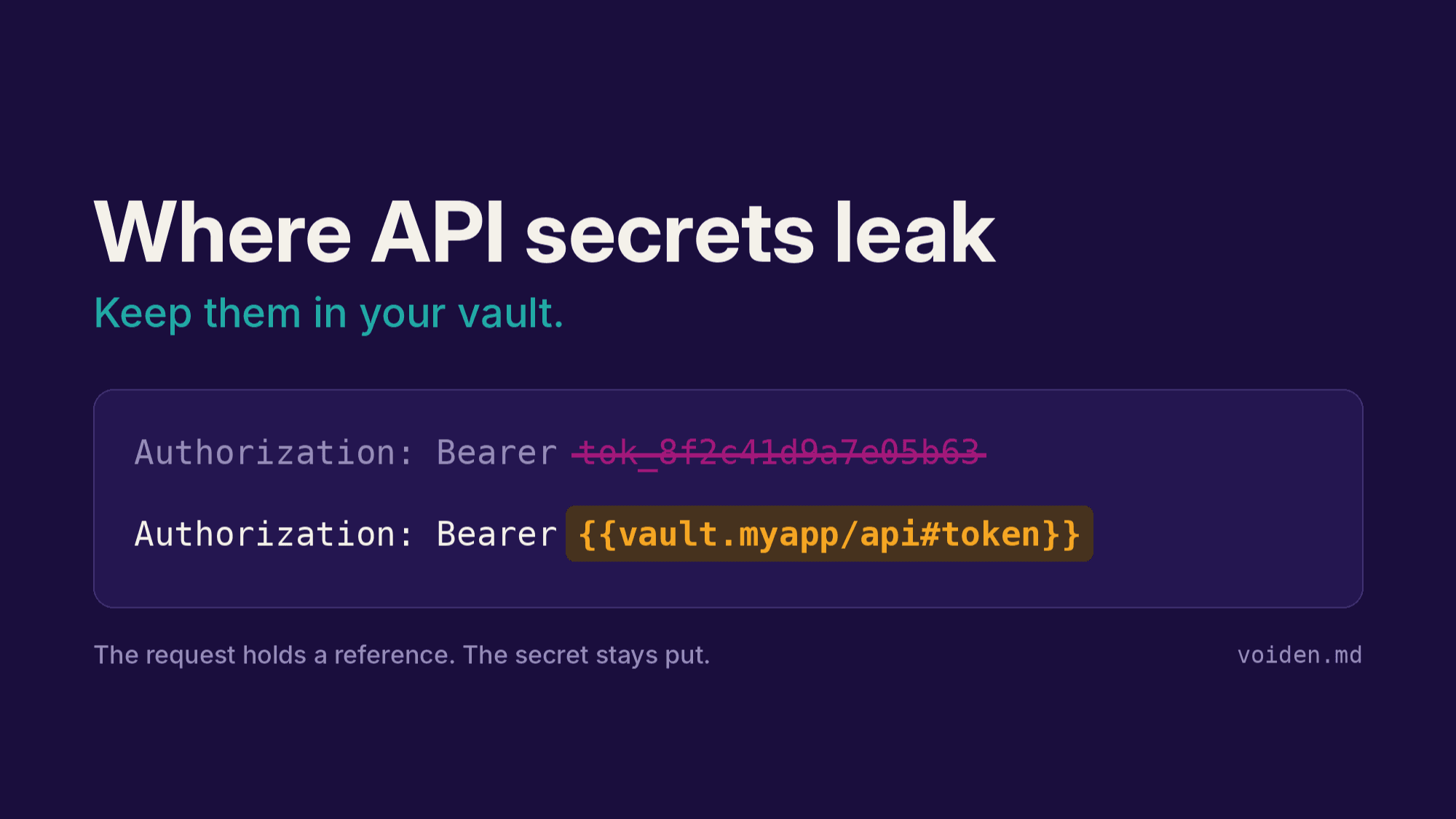
Where API Secrets Leak, and How to Keep Them in Your Vault
Most API keys don't leak from production. They leak from the tools we test it with: saved requests, exports, synced workspaces and curl commands. Why copies of secrets are the real problem, and how to keep only references in your requests with Vault, Doppler, Infisical, Bitwarden or KeePassXC.
Davinder singh
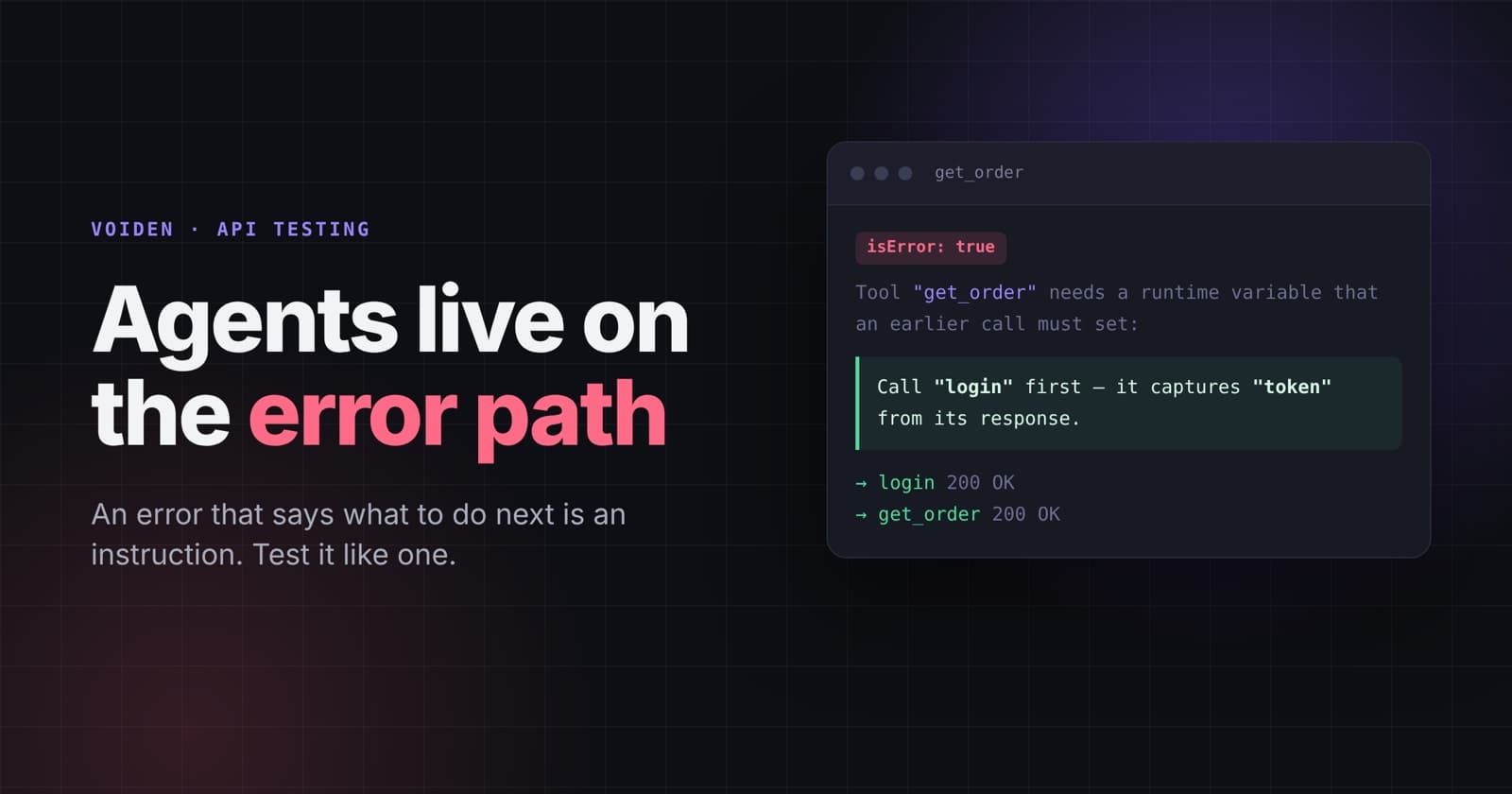
Agents Live on the Error Path
An error that says what to do next is an instruction. Test it like one. What an agent needs from your API errors, where hints should stop, and how to keep error contracts from breaking.