Nikolas
Bringing Agent Skills to Voiden Workflows: AI Skill for Claude and Codex
Your AI assistant is good at writing code. Point Claude or Codex at a React component, a Go handler, a Python script, and it does the job. Then you ask it to write a Voiden request, and it stalls. It guesses at the block structure, invents fields that don't exist, and hands you a .void file that won't open.
That's not the assistant being dumb. It's the assistant working without the one thing it needs: the format.
What AI Skill actually is
AI Skill is a Voiden setting that generates a skill.md file teaching your AI assistant the full .void file format, so Claude or Codex can read your existing files and write valid new ones alongside you. You enable it once. Voiden writes the file into your project. Your assistant picks it up as context automatically.
That's the whole idea. Voiden isn't making your assistant smarter in some general sense, and it isn't generating your tests behind your back. It's handing the model the domain knowledge it never had in its training data, so the code it already knows how to write lands in the right shape.
Agent skills, generated for you
If you've been following the agent tooling space, "agent skills" probably rings a bell. Both Claude Code and Codex-style assistants support the same broad pattern: a skill is a set of instructions an agent loads when it's relevant, so you stop pasting the same long prompt every time. It's a good pattern. It's how AI-assisted API development moves from one-off prompting to something repeatable.
Voiden's take on it is narrower, and automatic. You don't hand-write a skill folder and keep it in sync yourself. Voiden generates the skill file for you, from your project's actual setup, and drops it where Claude or Codex already looks. Enable the GraphQL plugin and regenerate, and the file now teaches GraphQL syntax too. Turn it off, and that syntax leaves. The skill always describes the Voiden you're actually running, not a static snapshot you have to maintain by hand.
So this is agent skills, but for one specific job: making your AI agent fluent in .void.
Why your assistant gets .void wrong without it
The .void format is plain Markdown with structured request blocks: YAML frontmatter, a Markdown body, and typed blocks with fields like type: method and type: url. It's readable, it's diff-friendly, and it's specific. Specific enough that a model that has never seen it will improvise, and improvising a file format is exactly how you end up with something that almost works.
Most assistants have read a lot of Postman JSON and a lot of OpenAPI YAML. They have read very little Voiden, because Voiden is young and the format is new. So they pattern-match to the nearest thing they know and miss the details that matter: the block types, the variable syntax, the naming conventions, the plugin-specific syntax for auth or assertions or scripting.
AI Skill closes that gap directly. Instead of hoping the model infers the format, you give it the format.
How it works
When you enable AI Skill, Voiden generates a skill.md file inside your project's .voiden directory, right where your assistant looks for context:
~/.claude/
└── skills/
└── voiden/
└── skill.md
~/.codex/
└── skills/
└── voiden/
└── skill.md
The assistant reads that file as part of its context. From then on, when you ask it to write or edit a Voiden file, it knows the block types, the structure rules, and the syntax for whatever plugins you have turned on. It can read your existing .void files correctly, and it can generate new ones that drop straight in.
Enabling AI Skill
Head to Settings → AI Skill and toggle on the assistant you use:
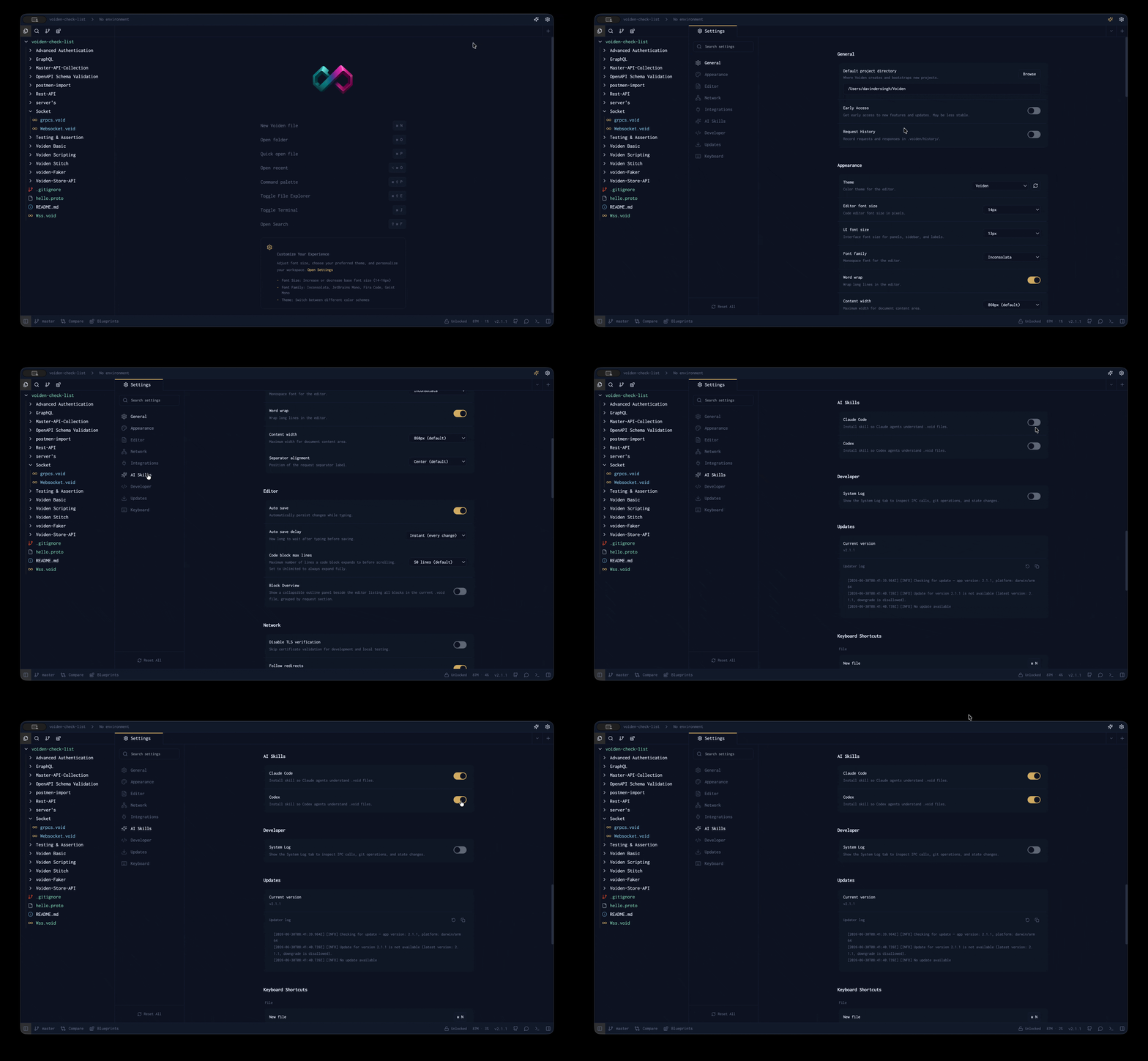
- Claude — generates a skill file for Claude.
- Codex — generates a skill file for Codex-based assistants.
You can enable both at once. Each gets its own file in its own directory, so a Claude setup and a Codex setup don't step on each other.
One thing to keep in mind: whenever you enable or disable a plugin, come back here and regenerate the skill file. The file is built from your current setup, so if it goes stale, your assistant is learning a Voiden that no longer matches your project.
What ends up in the skill file
The file is built in two layers, so your assistant only learns what's actually relevant to your project.
Core — always included. These fundamentals are present no matter what plugins you run:
- The .void file format: frontmatter fields, block structure, UUID rules, variable syntax.
- Environment variables: the {{VARIABLE_NAME}} syntax and .env file usage.
- File naming conventions: kebab-case naming, folder structure by resource.
Plugins — included only when enabled. Each plugin you turn on adds its own block types and syntax, and nothing you've turned off clutters the file:
| Plugin | What it adds to the skill file |
|---|---|
| Voiden REST API | request, method, url, headers-table, query-table, path-table, json_body, xml_body, yml_body, text_body, multipart-table, url-table |
| Voiden GraphQL | gqlquery, gqlvariables |
| Simple Assertions | assertions-table with all operators and field-path syntax |
| Advanced Authentication | auth block with every type: bearer, basic, apiKey, oauth2, oauth1, digest, awsSignature, ntlm, hawk, netrc |
| Voiden Scripting | pre_script, post_script, and the full vd API reference |
| Voiden Faker | {{$faker.*()}} syntax with all available categories and methods |
That two-layer split is the point. A model with a smaller, sharper context performs better than one buried in syntax for features you don't use.
What you can ask once it's in place
Once the skill file is there, the prompts get short and the output gets valid. A few that work out of the box:
- "Create a POST request to /api/users with a JSON body and Bearer auth."
- "Add assertions to check the status is 200 and body.id exists."
- "Write a pre-script that reads USER_ID from variables and sets it as a header."
- "Generate a request body using faker for name, email, and UUID."
Each of these comes back as real .void blocks: correct format, correct block types, correct syntax. Not a near-miss you have to repair by hand, but a file you can run with Cmd/Ctrl+Enter.
There are short demos showing exactly this if you'd rather watch than read. See how it works in action:
Why this matters for agentic API workflows
More and more development happens with an AI agent in the loop. You describe what you want, the agent drafts it, you review the diff. Whether you run Claude Code, Codex, or another agentic coding tool, that loop only works if the agent can produce the artifact in a format the rest of your stack accepts.
Because .void files are plain Markdown and live in your Git repo, they fit that loop in a way a proprietary binary collection never could. The agent writes a .void file. You read it in your editor without Voiden even open. You see the diff in a pull request that reads like "added the OAuth block, updated the base URL, fixed the login endpoint." You commit it next to the code it tests.
AI Skill is the missing piece that lets the agent participate in that loop correctly. The format is transparent, so the agent can read it. The format is documented in the skill file, so the agent can write it. Nothing is hidden, on either side.
One honest note: the skill file is auto-generated by Voiden, so don't hand-edit it. Any manual changes get overwritten the next time it regenerates. If you need the assistant to know something extra, your own project docs or a separate context file are the right place, not this one.
Try it out
- Open Voiden and enable the plugins you actually use (REST, GraphQL, auth, scripting, whatever fits your project).
- Go to Settings → AI Skill and toggle on Claude, Codex, or both.
- Open your assistant and ask it for the smallest real thing: a single GET request, one assertion. Run it, then commit the .void file to Git.
If you change your plugin setup later, regenerate the skill file so your assistant stays in sync.
Voiden is open source under Apache 2.0, and AI Skill ships in the current release (v1.6.2 at the time of writing). If you build something with it, or hit an edge the skill file doesn't cover, GitHub Discussions is the place to tell us. Download Voiden at voiden.md/download, or look through the repo at github.com/VoidenHQ/voiden if you want to see how it works under the hood.
Related Posts
Phurpa Tsering
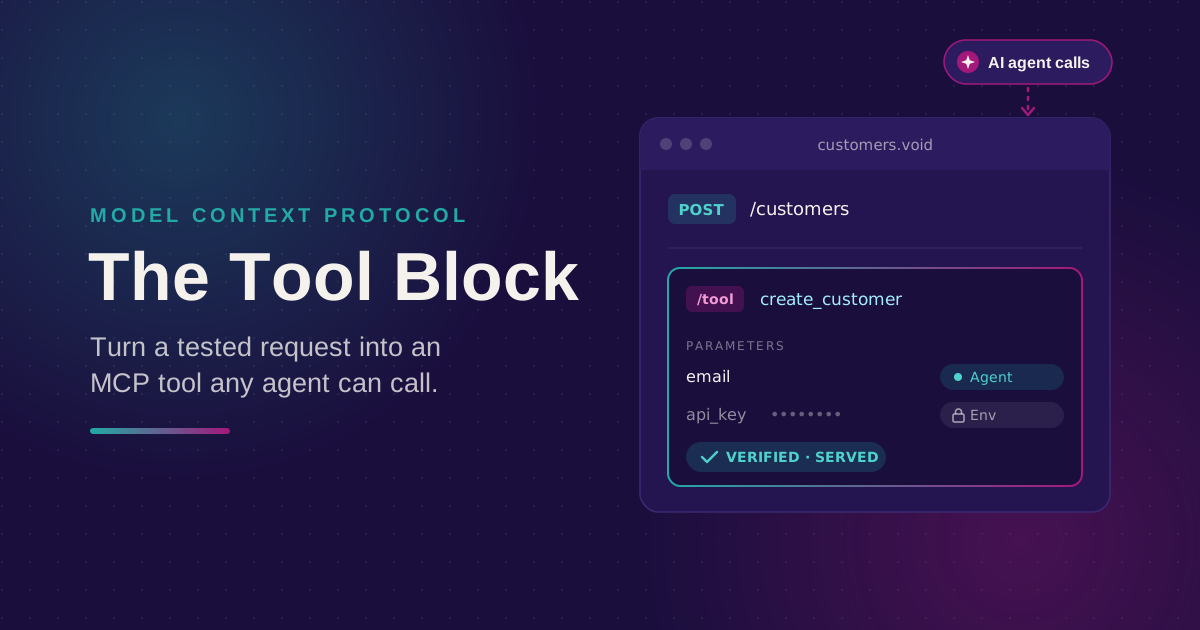
Turn Your Tested API Requests Into Agent-Callable MCP Tools
Turn a request you've already tested into an MCP tool that agents can call, then publish it with @voiden/mcp. Use stdio for local use, or --http/--tunnel for a server you can host.
Phurpa Tsering
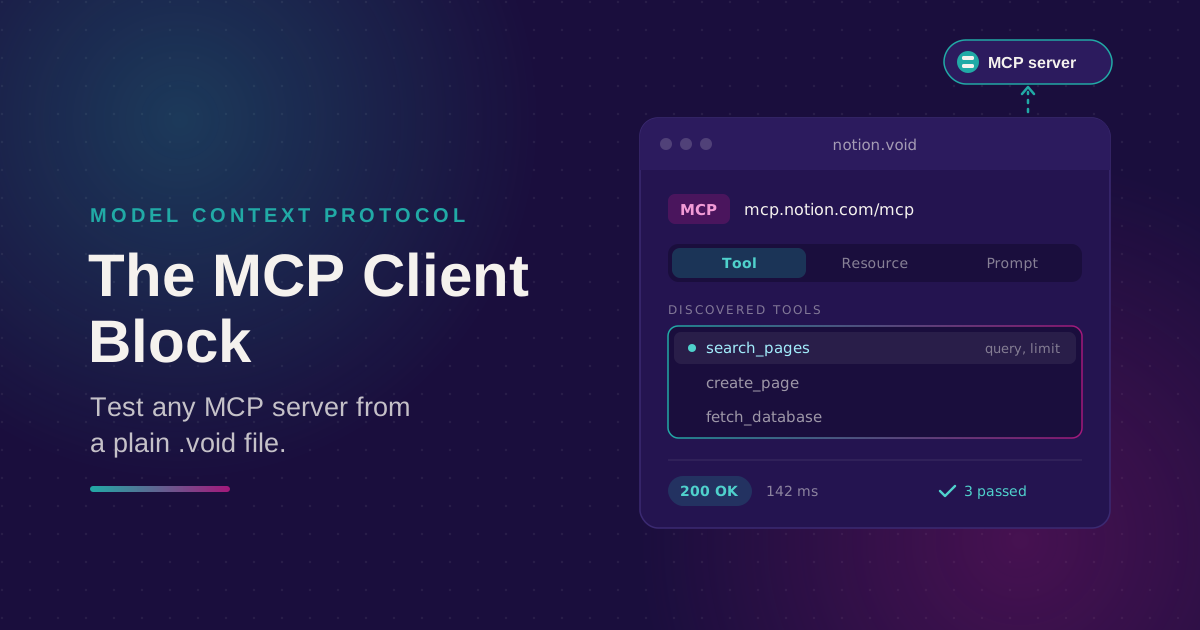
Bring Any MCP Server Into Your API Testing Workflow
Connect to any Streamable HTTP MCP server, browse its tools, resources, and prompts, and call one. Check the response with the same auth and assertion blocks you use for REST, all from a plain .void file.
Phurpa Tsering
Give Your Coding Agent Real Access to Your API Requests
One status-bar button (or one CLI command) registers your project with Claude Code or Codex over MCP, giving your coding agent the same six tools Voiden uses to list, run, and manage requests.