Samuel Kaluvuri
What Is OAuth 2.0? A Developer's Guide to Delegated Access, Tokens, and Trust
OAuth 2.0 stands for Open Authorization, and the second word is the one that carries the weight. It's a framework for delegating access: letting one application do a specific, limited thing with your data in another application, without ever seeing your password.
You run into it constantly, usually at the least convenient moment. You're wiring up an integration, the provider hands your app a token, you drop it into an Authorization header, and the request goes green. It works, so you move on. But stop and ask the questions that token should be able to answer: what can it actually do? How long does it live? Who issued it, and can you take it back? A lot of the time you don't know, because the tool in front of you never showed you.
Here's the anchor definition to hold onto. OAuth 2.0 is an authorization framework, standardized as RFC 6749 in 2012, that lets a third-party application obtain limited, revocable access to your resources on another service without handling your credentials.
It helps to say what OAuth is not, because the misconceptions cause real bugs. OAuth 2.0 is not a login system. It doesn't tell an app who you are. It's not encryption, and it doesn't replace HTTPS. It's a way to hand out scoped, expiring permission and to take it back later. Everything below is a variation on that one idea.
The problem OAuth was built to kill
Before OAuth, an app that wanted to read your email contacts did something alarming: it asked for your email password and logged in as you.
Every part of that is wrong. The app holds your actual password. It gets everything, not just contacts. You can't grant partial access, and you can't revoke it without a password reset that breaks every other app too. If that one app leaks, so does your inbox. Handing out a raw, all-powerful API key has the same problem in a different outfit.
OAuth replaces the master key with a scoped, temporary pass. Instead of your password, the app receives a token that says, in effect, "this app may read contacts, nothing else, until this pass expires." A token you can't inspect is a permission you can't audit, which is exactly why the shape and contents of that token matter so much.
Authorization is not authentication (and where OpenID Connect fits)
This is the single most expensive point of confusion in OAuth, so it's worth being blunt.
OAuth 2.0 answers "what is this app allowed to do?" That's authorization. It does not answer "who is this user?" That's authentication, and OAuth was never designed to do it. OAuth assumes you already authenticated with the provider, then concerns itself only with the permissions that follow.
People conflate the two because "Sign in with GitHub" clearly involves logging in. But that flow isn't bare OAuth. It's OpenID Connect (OIDC), a thin identity layer built on top of OAuth 2.0 that adds a standardized ID token describing who the user is. OAuth carries the access token that grants permissions. OIDC adds the identity token that proves identity. Social login uses both at once, which is why they blur together in people's heads.
The rule that saves you: OAuth 2.0 delegates access, OpenID Connect proves identity. OAuth answers what an app may do, never who is holding it. Using a bare access token as proof of identity is one of the oldest security footguns in the space.
The four roles
Every OAuth flow is a conversation between four parties. Learn the names and the specs suddenly read clearly.
- Resource owner — you, the human who owns the data and can grant access to it.
- Client — the application requesting access. Note that "client" here does not mean the end user. It's the app: a web backend, a mobile app, a CLI tool.
- Authorization server — the system that authenticates you and issues tokens. Google, GitHub, Okta, Auth0, or your own identity provider.
- Resource server — the API that holds the protected data and validates the token before answering.
In practice, the authorization server and the resource server are often the same service. From your side as an integrator, GitHub is just "the API," even though internally it both issues tokens and serves data. The reason the spec splits them is that in larger systems they genuinely are separate machines, and keeping the roles distinct is what lets you reason about trust boundaries later.
Registering your app: client ID, secret, and redirect URI
Before any of this runs, you register your application with the provider. That step hands you three things worth understanding, because two of them cause most first-day failures.
- Client ID — a public identifier for your app. It's fine in URLs and client-side code.
- Client secret — a confidential credential that proves your app is your app during the token exchange. It lives on your server, in an environment variable or a secret manager, never in a mobile binary or a Git repo.
- Redirect URI (callback URL) — the exact address the provider sends the user back to after they approve. This must match what you registered, character for character. A trailing slash, http where you registered https, or a different port will all get you rejected. Register a separate URI per environment, and never use wildcards; a loose redirect URI is a known way for attackers to steal authorization codes.
The authorization code flow, step by step
The most common and most secure flow for web and mobile apps is the authorization code flow. Walk it once and the diagrams stop being intimidating.
- Redirect to the authorization server. The user clicks "Connect," and your app sends their browser to the provider's /authorize endpoint with your client_id, the scope you want, your redirect_uri, and a state value (more on that in a second).
- The user logs in and consents. They authenticate directly with the provider, then approve a consent screen: "This app wants to read your calendar." Your app never touches their password.
- Back to your app with a code. The provider redirects to your redirect_uri carrying a short-lived authorization code, usually valid for around ten minutes and usable exactly once.
- Exchange the code for tokens. Your server calls the /token endpoint with the code plus your client_secret, and gets back an access token and usually a refresh token. This happens server-to-server, out of the browser.
- Call the API. Your app attaches the access token to each request as Authorization: Bearer <token>. The resource server validates it and returns the data.
The state value deserves its own note, because skipping it is a common and dangerous mistake. It's a random string you generate, stash in the user's session, and check when the callback comes back. If they don't match, you reject the request. This is what stops a CSRF attack, where an attacker tricks a victim's browser into completing an OAuth flow the victim never started. Generate it with a real random source, and use it once.
Scopes, access tokens, refresh tokens
Three terms carry most of the weight:
- Scope is the set of permissions a token represents. calendar.read is not calendar.write. Good clients request the narrowest scope that does the job, and users are right to be wary of an app that asks for everything.
- Access token is what the client sends on every API call. It's deliberately short-lived, often minutes to an hour, so a leaked token has a small blast radius.
- Refresh token is longer-lived and used to obtain a fresh access token when the old one expires, without dragging the user back through the login screen. It's more powerful, so it gets stored more carefully. Some providers rotate it on every use; if yours does, always save the new one.
The short-token, refresh-token pairing is a deliberate trade-off: frequent expiry limits the damage from a leak, and the refresh token keeps that safety from turning into a constant re-login.
What's actually inside the token: the JWT
An access token can be an opaque string, but very often it's a JWT (JSON Web Token). A JWT is three base64url-encoded sections joined by dots: header.payload.signature.
- The header names the signing algorithm.
- The payload carries claims: who the subject is, which scopes were granted, when it expires.
- The signature is the important part. Anyone can read a JWT (base64 is not encryption), and anyone can craft one. The signature is what lets the resource server verify the token was issued by the authorization server and hasn't been tampered with. If the signature doesn't check out, the token is worthless.
The practical takeaway: never put anything in a JWT payload you wouldn't want the user to read, because they can, and never trust a token you haven't verified the signature on.
PKCE: turn it on for public clients
If you build public clients (single-page apps, mobile apps, anything that can't keep a client_secret truly secret), you need PKCE, pronounced "pixie," short for Proof Key for Code Exchange (RFC 7636).
The attack it stops is concrete. On a phone, a malicious app can register the same custom URL scheme as a legitimate one and intercept the authorization code as it's redirected back. With just the code and a public client ID, the attacker could redeem it. PKCE closes that door.
The mechanism, minus the jargon: before starting, the client generates a random secret called the code_verifier (43 to 128 URL-safe characters) and sends only a hash of it, the code_challenge, in the authorize request. When the client later exchanges the code, it must present the original code_verifier. The server hashes it, checks it matches the challenge, and only then issues the token. A stolen code is useless without the verifier, which never left the legitimate app.
PKCE began as a mobile patch. It's now recommended for essentially every client type, including confidential ones, as defense in depth.
Beyond the browser: other grant types
The authorization code flow assumes a human at a browser. OAuth defines other grant types for cases where that assumption breaks.
- Client credentials — machine-to-machine, no user involved. A backend service authenticates with its own client_id and client_secret and gets a token for itself. This is how a CI pipeline or a cron job talks to an API. Refresh tokens usually aren't issued here; the service just asks for a new token when it needs one.
- Device code — for input-constrained devices: smart TVs, IoT hardware, CLI tools on headless servers. The device shows you a short code and a URL, you open that URL on your phone or laptop and approve, and the device polls until the token is ready. It's why activating a streaming app on a new TV feels the way it does.
Two older grant types are on the way out and shouldn't be used in new work. The implicit flow returned tokens directly in the URL, where they leak; use authorization code with PKCE instead. The resource owner password credentials grant had the app collect the user's password directly, which throws away the entire point of OAuth.
What is OAuth 2.1?
Those deprecations aren't casual housekeeping. They're being written into the next version of the spec.
OAuth 2.1 is an in-progress effort to fold OAuth 2.0 and its most widely adopted extensions and security guidance into a single, updated document. It's an IETF working group draft, sitting at draft-ietf-oauth-v2-1-15 as of March 2026, and it is not yet a final RFC. The design goal is worth repeating, because it surprises people: OAuth 2.1 adds no new behavior. It only consolidates practices already established across specs like PKCE (RFC 7636) and the OAuth 2.0 Security Best Current Practice (RFC 9700), and gives them a single name.
What it locks in is essentially the safe path this article has been pointing at all along:
- PKCE is required for every client using the authorization code flow, including confidential server-side ones.
- Redirect URIs must be matched by exact string comparison. No wildcards, no substrings.
- The implicit grant is removed.
- The resource owner password credentials grant is removed.
- Bearer tokens are no longer allowed in query strings.
- Refresh tokens for public clients must be sender-constrained or single-use.
You don't have to wait for the final RFC to benefit. Major identity providers already treat the removed grants as deprecated, and if you build with authorization code plus PKCE, exact redirect URIs, and short-lived tokens today, you're already writing OAuth 2.1-shaped code. It's less a new thing to learn than the specification catching up to what careful teams were doing anyway.
Signing out is harder than it looks
Getting a token is well documented. Getting rid of one cleanly is less so, and it trips people up.
Because a token is valid for a set period for a specific client, "logging out" of your app by clearing a local session doesn't actually invalidate the token. Two things have to happen to sign out properly: revoke the tokens that were issued, and end the user's session on the authorization server. That second part is also why Single Sign-On works the way it does. If there's still a live session on the authorization server, the next authorize request gets a token issued without re-prompting, which feels like magic until you're trying to force a real logout and can't figure out why the user sails straight back in.
Authentication is not a detail. It's architecture.
Here's where I'll get opinionated, because this is the part most tooling gets backwards.
In most API clients, OAuth lives inside a settings dropdown. You pick "OAuth 2.0" from a menu, fill in a modal, click a button, and a token appears from somewhere. It works, but you can't see it. The token gets injected into your requests by machinery you don't control and can't inspect. When it breaks at 2 a.m., you're debugging a black box, and everything we just covered (which scope was granted, whether the redirect URI matched, whether PKCE was even used) is hidden from you.
That's the problem we kept hitting, and it's why Voiden treats authentication as structure rather than as a setting. In Voiden, OAuth is a visible, reusable Authorization Block you drop into a plain-text .void file by typing /auth-oauth2 (there's a /auth-oauth1 block too, for the signature-based systems still running in a lot of enterprises). It's the same composable-block idea Voiden uses for everything else; if that model is new to you, there's a short video that walks through it: This API Tool Changes Everything (meet Voiden Blocks).
Two things fall out of that choice:
- Transparency. When you look at a request, you see exactly how the token is attached. No silent header injection, no behavior hidden behind a dropdown. The moment authentication becomes invisible, it stops being auditable.
- Coherence. Because the block is reusable, credentials live in one place. Rotate a secret or change a token format, update the block once, and every request that references it reflects the change. No editing the same header across twenty saved requests.
The block handles the details that actually eat your afternoon. Voiden listens for the OAuth redirect on http://localhost:9090/callback by default, and that exact URL has to be in your provider's Allowed Redirect URIs, trailing slash and all. There's an auto-refresh toggle for silent token renewal (it needs your provider to return a refresh_token on the first exchange), a Discover button that reads an OpenID Connect provider's configuration for you, and a client_auth setting that controls whether your client_id and client_secret go in the request body or a Basic Auth header. Making all of that visible in a file you can read and version is what it looks like to treat auth architecturally instead of administratively.
Common OAuth mistakes worth avoiding
- Using OAuth to authenticate users. If you need to know who the user is, use OpenID Connect and read the ID token. A bare access token tells you what an app may do, not who's holding it.
- Rolling your own authorization server. OAuth's history is a cat-and-mouse game of vulnerabilities and patches. Use a maintained identity provider or a certified OpenID Connect implementation rather than writing the server yourself.
- Skipping the state parameter. Without it you're open to CSRF. Generate it randomly, verify it on the callback, use it once.
- Skipping PKCE on public clients. If your client can't keep a secret, PKCE isn't optional.
- Over-requesting scope. Broad permission scares users and widens your blast radius. Ask for the least you need, and request more only when a feature actually calls for it.
- Storing tokens carelessly. Access tokens in localStorage, refresh tokens in plain text, secrets in Git. Treat a refresh token like the long-lived credential it is.
- Mismatched redirect URIs. The redirect_uri in the request must exactly match a registered one. Exactly.
Wrap-up
OAuth 2.0 comes down to a small core: four roles, a scoped token that stands in for your password, a flow that keeps your credentials out of the app's hands, and a state value and PKCE to keep the flow honest. Refresh tokens, JWTs, device code, the drift toward OAuth 2.1: all of it is refinement on that core.
The part worth carrying with you is the posture. Authentication isn't a checkbox you tick at the end of a build. It's a load-bearing piece of how your system works, and you are better off when you can see it than when it's tucked behind a dropdown you have to trust.
If you'd rather work with OAuth as a visible, version-controlled block than a hidden setting, you can download Voiden or read the source on GitHub to see how it fits together underneath.
Related Posts
Phurpa Tsering
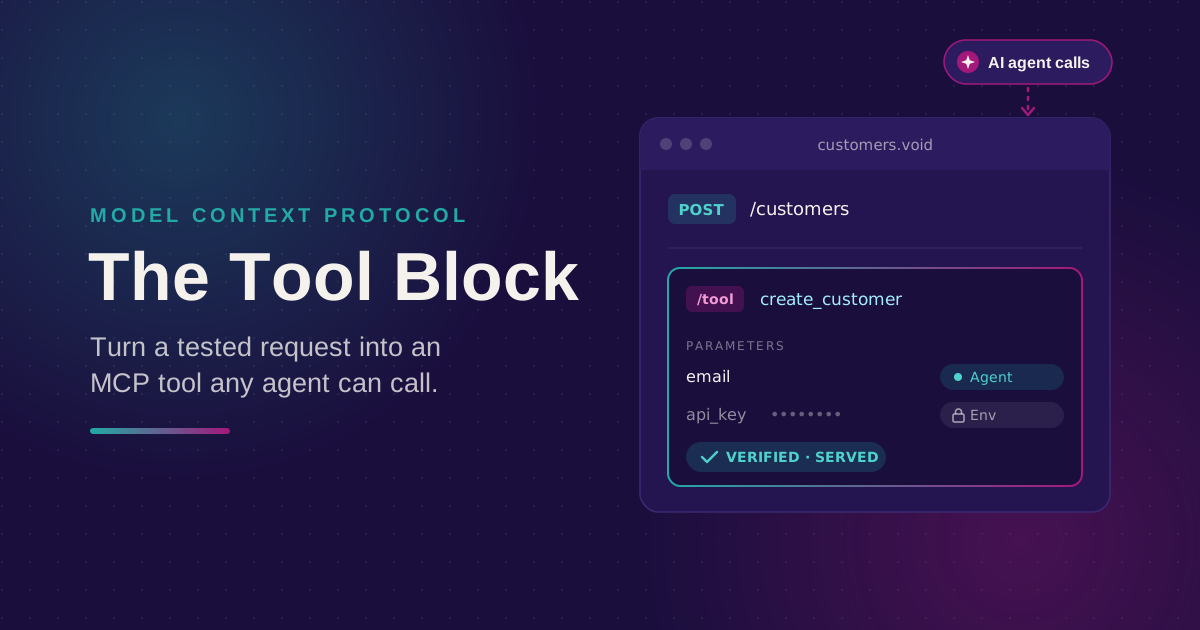
Turn Your Tested API Requests Into Agent-Callable MCP Tools
Turn a request you've already tested into an MCP tool that agents can call, then publish it with @voiden/mcp. Use stdio for local use, or --http/--tunnel for a server you can host.
Phurpa Tsering
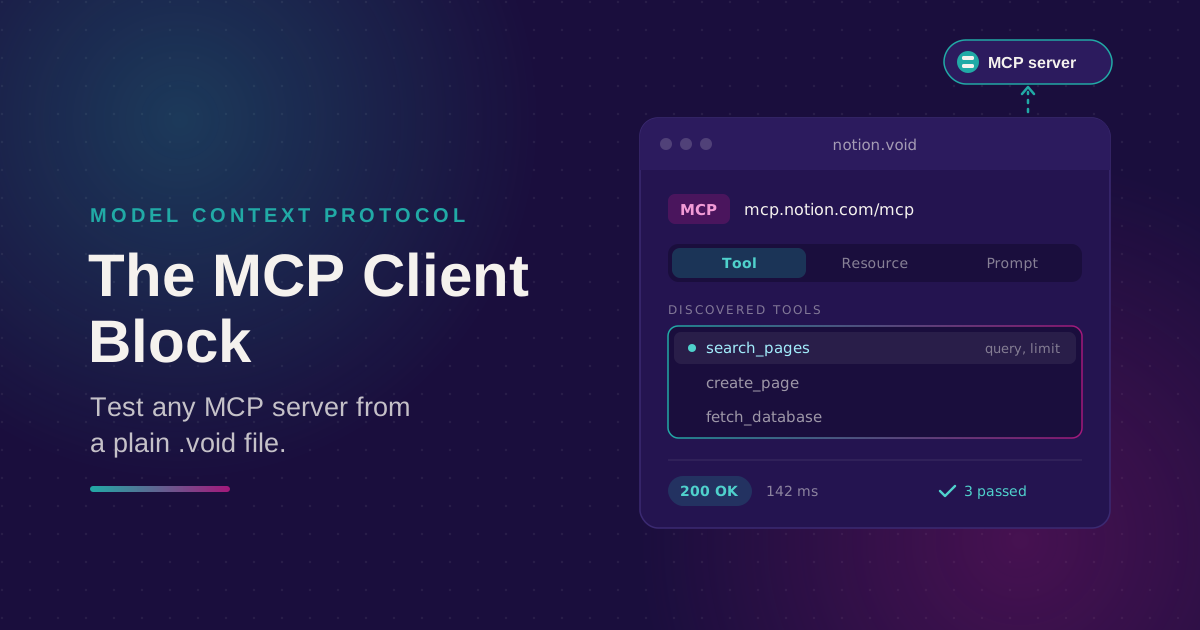
Bring Any MCP Server Into Your API Testing Workflow
Connect to any Streamable HTTP MCP server, browse its tools, resources, and prompts, and call one. Check the response with the same auth and assertion blocks you use for REST, all from a plain .void file.
Phurpa Tsering
Give Your Coding Agent Real Access to Your API Requests
One status-bar button (or one CLI command) registers your project with Claude Code or Codex over MCP, giving your coding agent the same six tools Voiden uses to list, run, and manage requests.