Phurpa Tsering
Give Your Coding Agent Real Access to Your API Requests
You have Claude Code or Codex open next to Voiden, and you want it to run the request you're looking at. You don't want it to describe a curl command it thinks might work, or guess your base URL. You want it to call the real endpoint in your real project and tell you what came back.
Initialize MCP does this in one click. Your coding agent can list your requests, run one against your actual API, and write the result back into the file. You don't need a published API, a hosted server, or tokens to hand out. It runs locally, only covers the project you turned it on for, and stops as soon as you turn it off.
The short version
- Click one button or run one command. Your coding agent can then list, run, and inspect the requests in that project against your real API.
- Every request in the project is available by default. There's no per-request opt-in, because only you, your editor, and your agent are involved.
- It exposes exactly six tools. That number stays the same as your project grows.
- It's different from the tool block, which exposes specific requests to someone else's agent. More on that below.
Turning it on
From the app, it's a single button. Open the project you want your agent to work with and click Initialize MCP in the status bar. It only affects that project, so your other projects stay untouched. Claude Code or Codex can use it the next time you start a session in that project's folder. To turn it off, click the Disable MCP button right next to it.
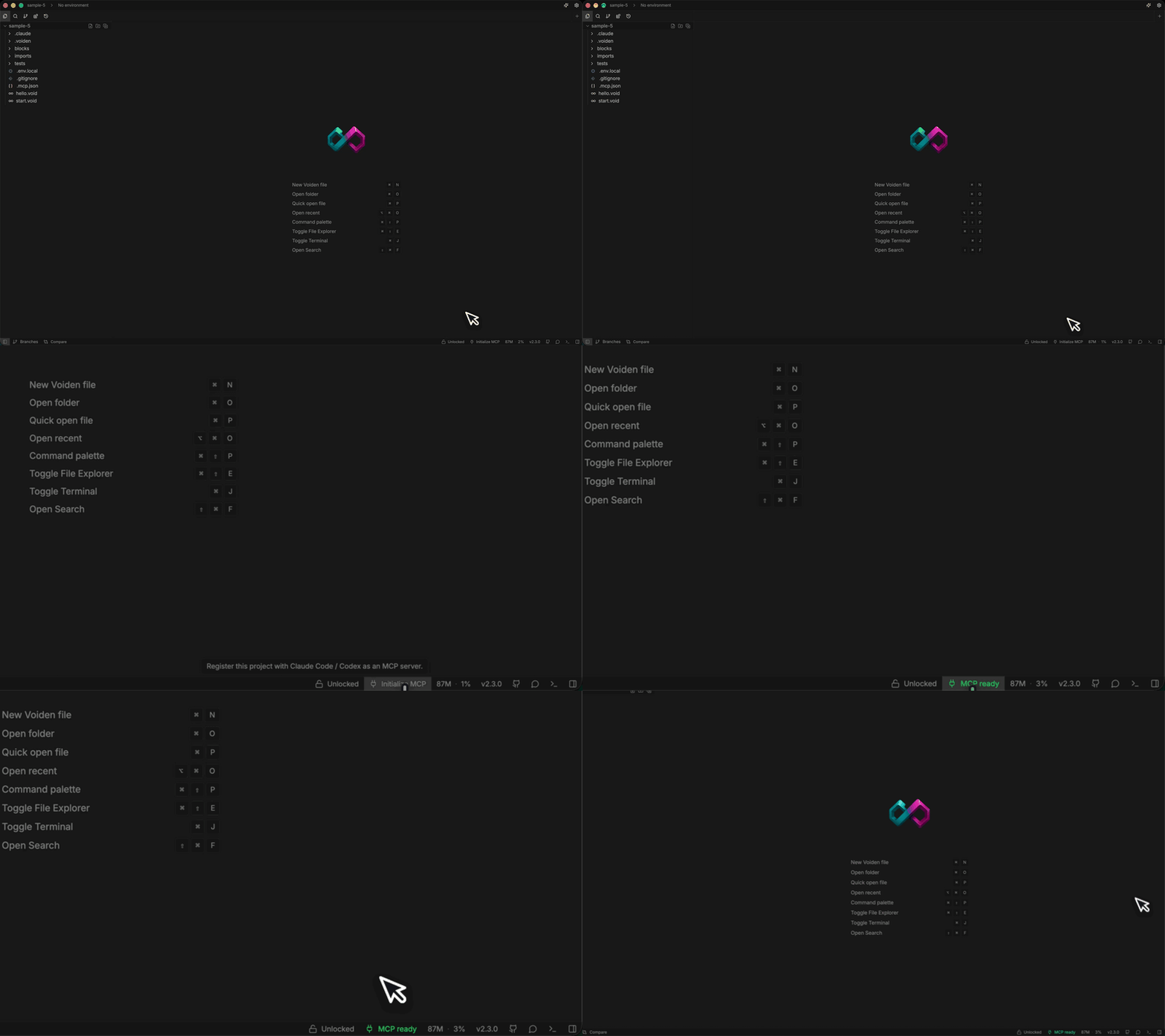
From the terminal, run:
voiden agent
Run it inside your project folder, or use voiden agent <path> from anywhere else. To undo it, run voiden agent --remove. The command writes the same config as the button, so teammates end up with the same setup whichever way they choose.
Before it writes anything, the button checks that the Voiden CLI is installed and on your PATH. If it isn't, you get a clear message telling you to install it from Settings. You won't end up with a config that looks fine but fails when Claude or Codex tries to use it.
What you can ask for
Once it's set up, open Claude Code or Codex in the same project folder and talk to it like you would about any other part of your code:
- "What requests are in users.void?"
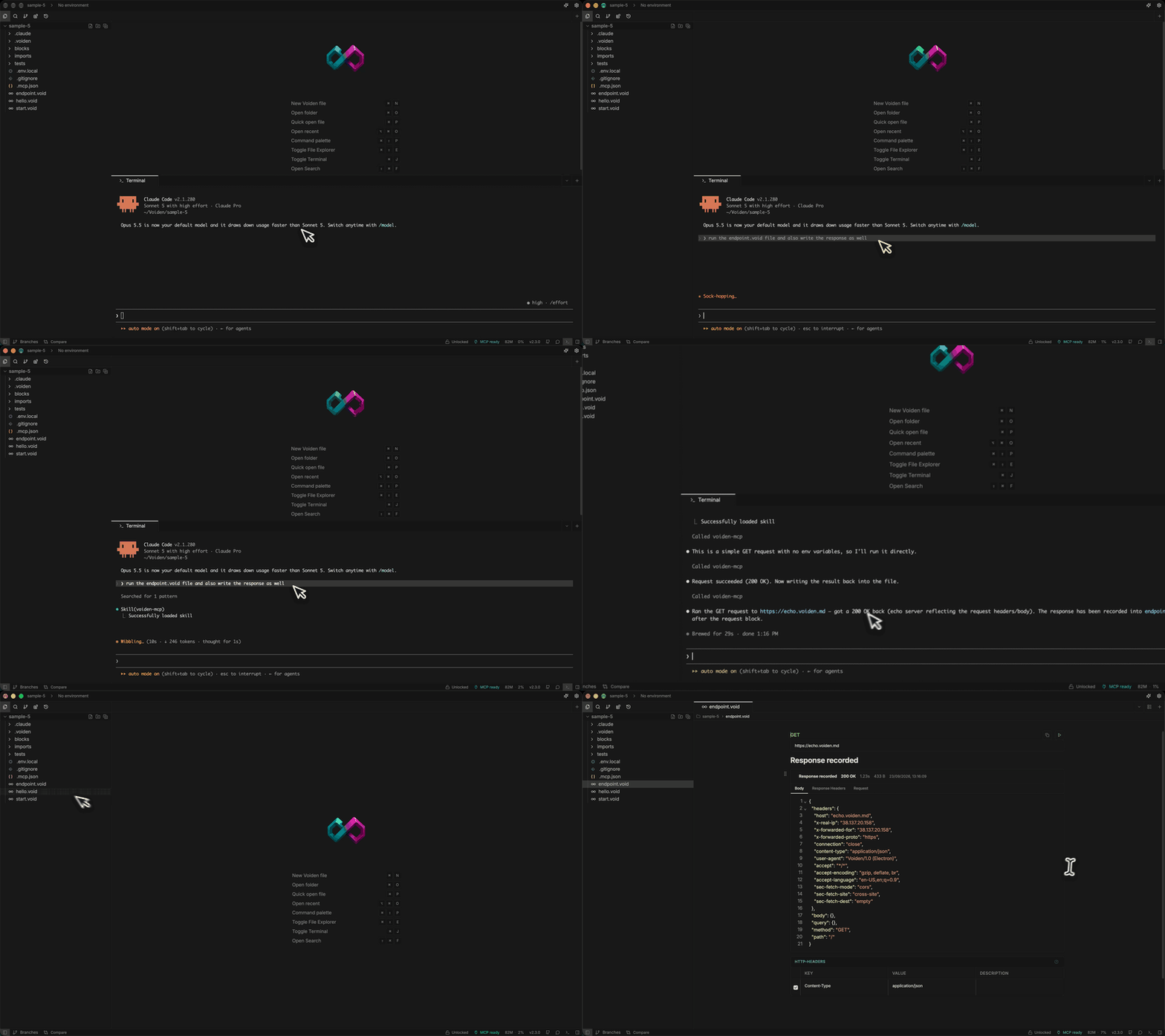
- "Run the create_customer request in api/customers.void and tell me if it succeeded."
- "Switch to the staging environment and re-run the login flow."
- "Something's off with the checkout request. Run it, and if it fails, write the result back into the file so I can see the raw response."
For each of these, the agent uses a small set of tools on its own. It lists the files, finds the request, runs it, reads the response, and reports back. It's the same thing you'd do by hand, except the agent does the clicking. Because it calls the real endpoint, you get a real answer instead of a guess.
How it works
Initialize MCP connects your project to your coding agent using the Model Context Protocol (MCP). This is the same protocol Claude Desktop and Cursor use for their integrations. It adds an entry to .mcp.json (and the matching section in Codex's config.toml) that runs a command called voiden mcp-stdio. That command ships with the Voiden app's built-in voiden CLI. If you have the app, there's nothing else to install.
This server always exposes the same six tools, for every project:
| Tool | What it does |
|---|---|
| list_void_files | Lists every .void file in the project |
| list_requests | Lists every request in a given file |
| run_request | Runs a request and returns the real response |
| write_result | Saves a result back into the file, just like running a request in the app |
| list_environments | Lists the project's environments |
| select_environment | Switches the active environment |
That's everything it can do. The list doesn't grow with your project. Your agent can read and run requests the same way you can in the editor, and nothing more.
Don't have the Voiden app, for example on a CI runner or a shared build machine? The standalone @voiden/runner package does the same job. Run voiden-runner mcp install to register a similar lightweight server (voiden-runner mcp serve), so you don't need the desktop app for this.
What this is not
This is easy to confuse with publishing your API as an MCP server using the tool block. They solve opposite problems:
- Initialize MCP gives your own coding agent access to the requests in your own project. Everything is available by default, because only you, your editor, and your agent are involved. None of it is meant to be shared with anyone else.
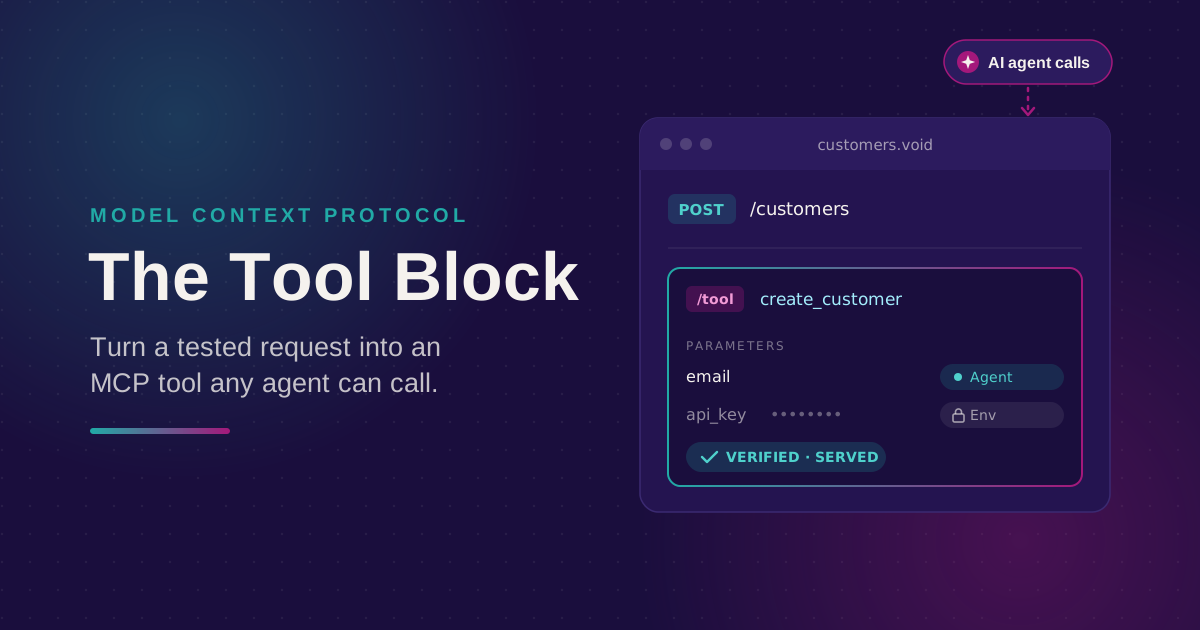
- The tool block lets you mark one specific request so that an outside agent can call it. That agent could belong to someone else and could be calling over the public internet. Nothing is shared by default. A request only becomes callable once you add a tool block to it, and it must pass its tests first.
If you want Claude Code to run the requests you're already writing, use Initialize MCP. If you want any MCP-capable agent to call a hand-picked set of your endpoints, use the tool block.
Both work from the same .void file. There's also a third option: the MCP client block, which lets Voiden call other people's MCP servers.
Try it out
Click Initialize MCP in the status bar (or run voiden agent), then ask Claude Code or Codex to run one of your requests:
- Open a project in Voiden that already has a few .void files with real requests.
- Click Initialize MCP in the status bar, or run voiden agent from that folder.
- Open Claude Code or Codex in the same folder and ask it to list and run one of your requests.
- When you're done, click Disable MCP (or run voiden agent --remove) to turn it off for that project.
Voiden is open source under Apache 2.0.
Download: voiden.md/download
Source: github.com/VoidenHQ/voiden
Questions or edge cases: GitHub Discussions
Related Posts
Phurpa Tsering
Turn Your Tested API Requests Into Agent-Callable MCP Tools
Turn a request you've already tested into an MCP tool that agents can call, then publish it with @voiden/mcp. Use stdio for local use, or --http/--tunnel for a server you can host.
Phurpa Tsering
Bring Any MCP Server Into Your API Testing Workflow
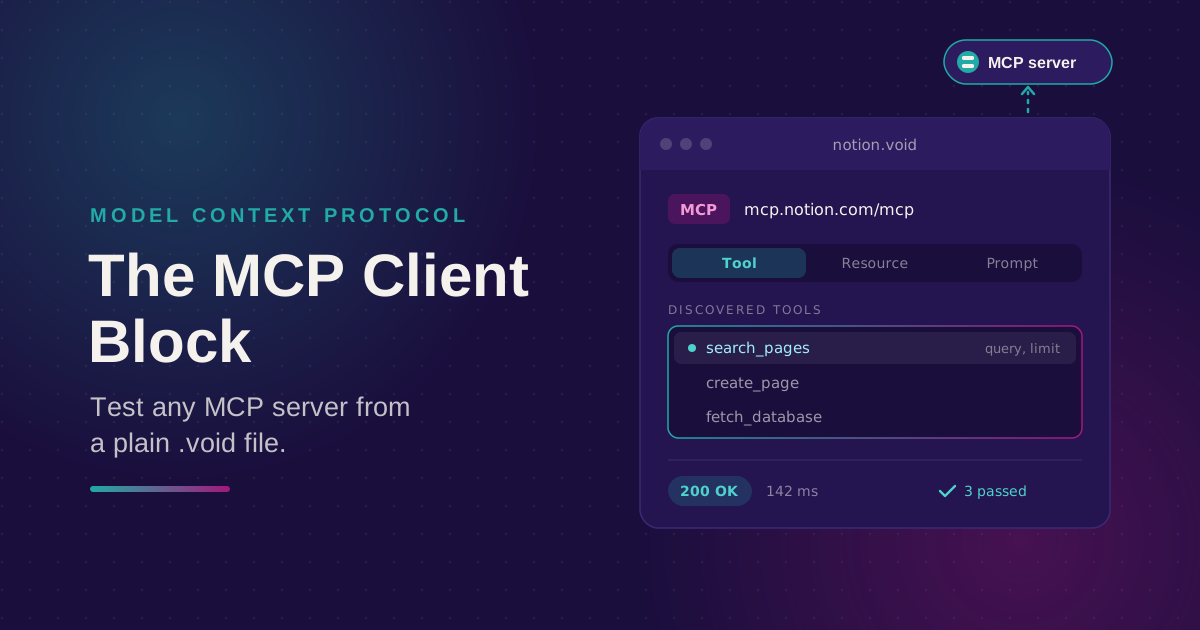
Connect to any Streamable HTTP MCP server, browse its tools, resources, and prompts, and call one. Check the response with the same auth and assertion blocks you use for REST, all from a plain .void file.
Nikolas Dimitroulakis
Voiden 2.3: Three Ways to Connect Your API to AI Agents
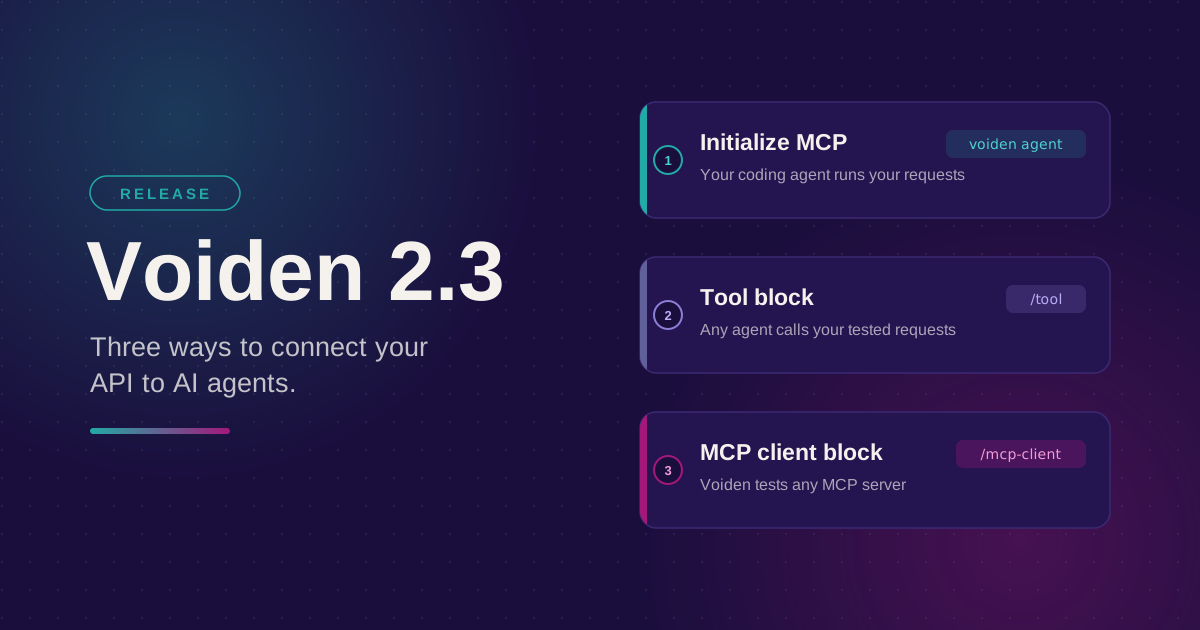
Initialize MCP, the tool block, and the MCP client block all involve MCP and all start with a .void file. Here's the short version of what each one is for and which one you actually want.