Nikolas Dimitroulakis
Voiden 2.3: Three Ways to Connect Your API to AI Agents
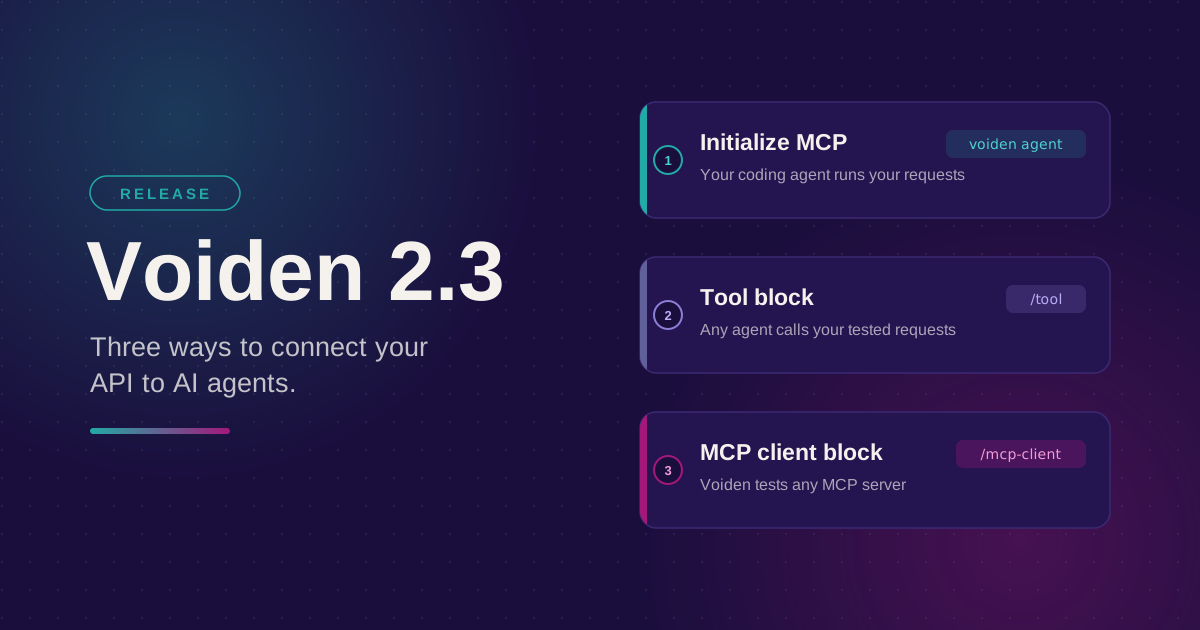
Voiden 2.3 connects your requests to AI agents in three directions. It's easy to mix them up, because they all involve MCP and they all start with a .void file. This post is the short version of each: what it's for, who's actually calling what, and which one you probably want.
If you only remember one thing: the first two point an agent at your API. The third points Voiden at someone else's API.
The three, side by side
| Initialize MCP | Tool block | MCP client block | |
|---|---|---|---|
| Who's calling | Your coding agent (Claude Code, Codex) | Any MCP-speaking agent | Voiden itself |
| What it can reach | Every request in your project | Only the requests you mark as tools | Any MCP server, yours or a vendor's |
| How to start | Click Initialize MCP in the status bar, or run voiden agent | Type /tool on a request you've tested | Type /mcp-client in a .void file |
| Default access | On for the whole project | Nothing exposed until you mark it | Only the one server you point at |
| What it's for | Debugging with real responses instead of guesses | Shipping agent tools without writing an MCP server | Repeatable MCP tests, saved in Git |
Initialize MCP: let your own coding agent run your requests
Click Initialize MCP in the status bar and Claude Code or Codex can list, run, and inspect the requests already in your project. They call your real API, so you get real responses instead of guesses.
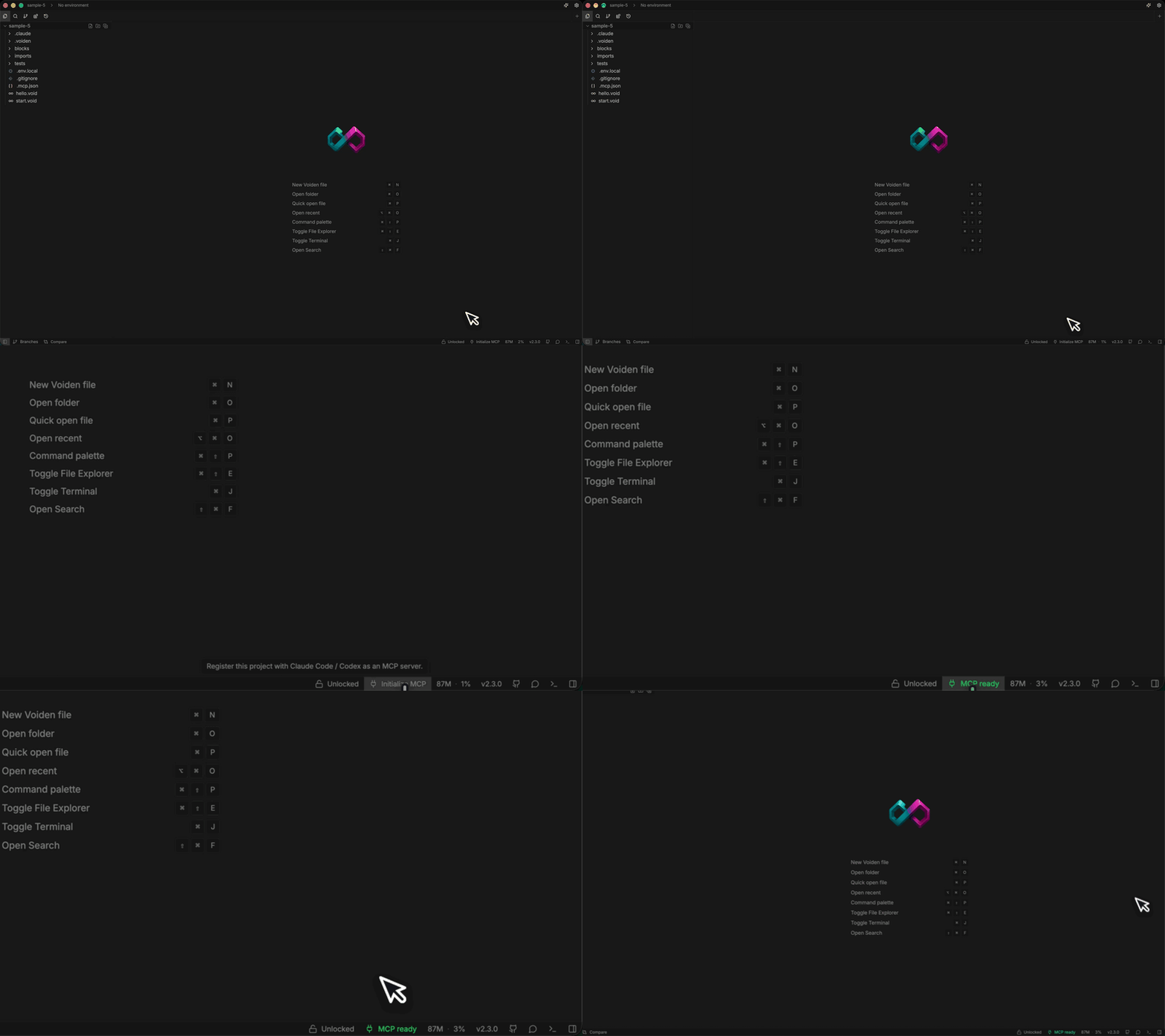
Example: Checkout is returning a 400. Instead of describing the bug in words, you ask Claude Code to run the actual request. It calls the real endpoint, reads the real response, and spots the missing header.
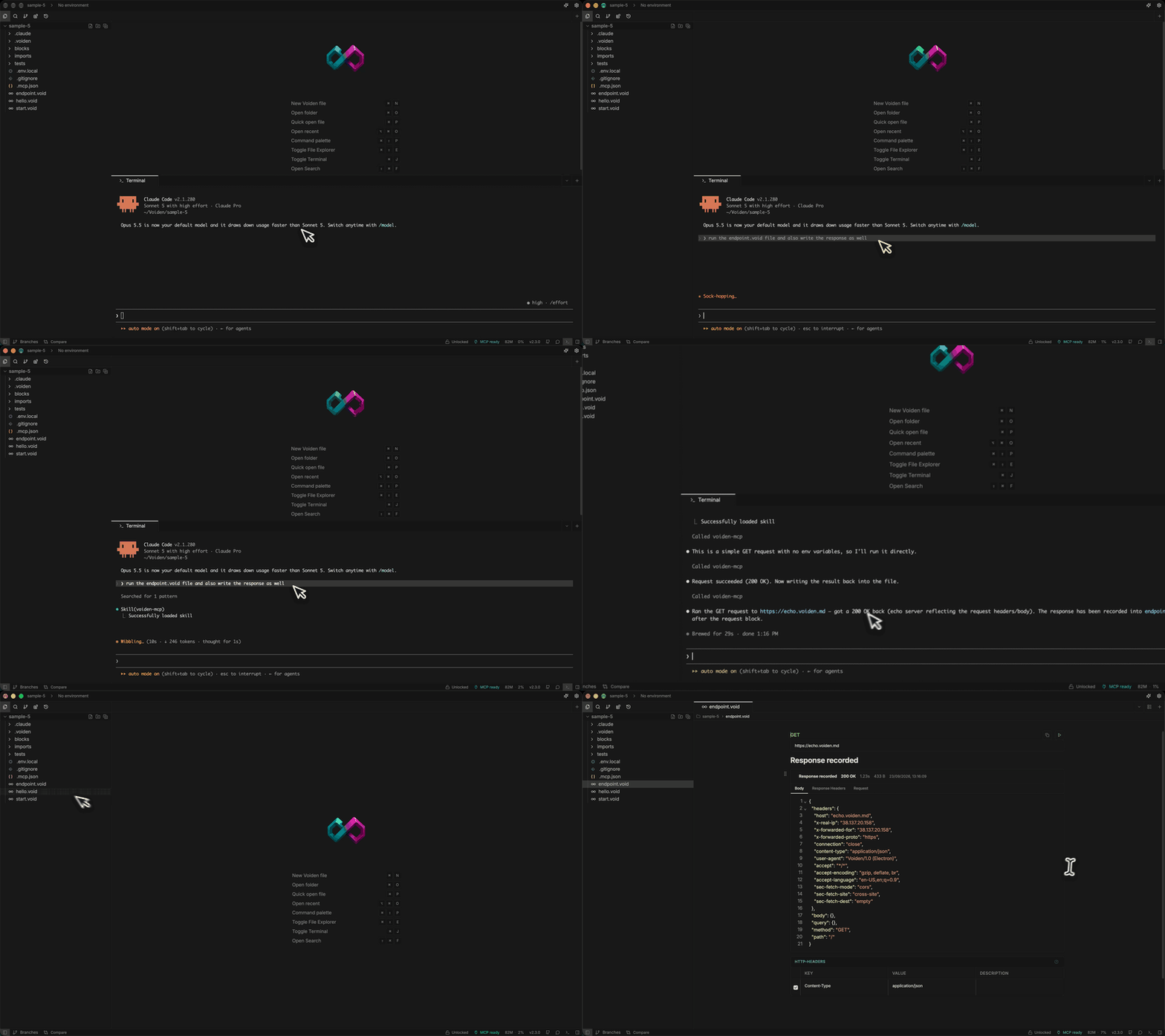
This one is on by default for every request in the project, because the trust boundary is simple: it's you, your editor, and your agent.
To set it up: click Initialize MCP in the status bar, or run voiden agent in your project folder.
Full write-up: Give Your Coding Agent Real Access to Your API Requests.
Tool block: let any agent call specific, tested requests
Add a tool block to a request you've already built and tested, and it becomes a named tool that any MCP-speaking agent can call, not just your own. You decide exactly which values the agent can set, your secrets stay in your environment, and the tool is only available while its tests are passing.
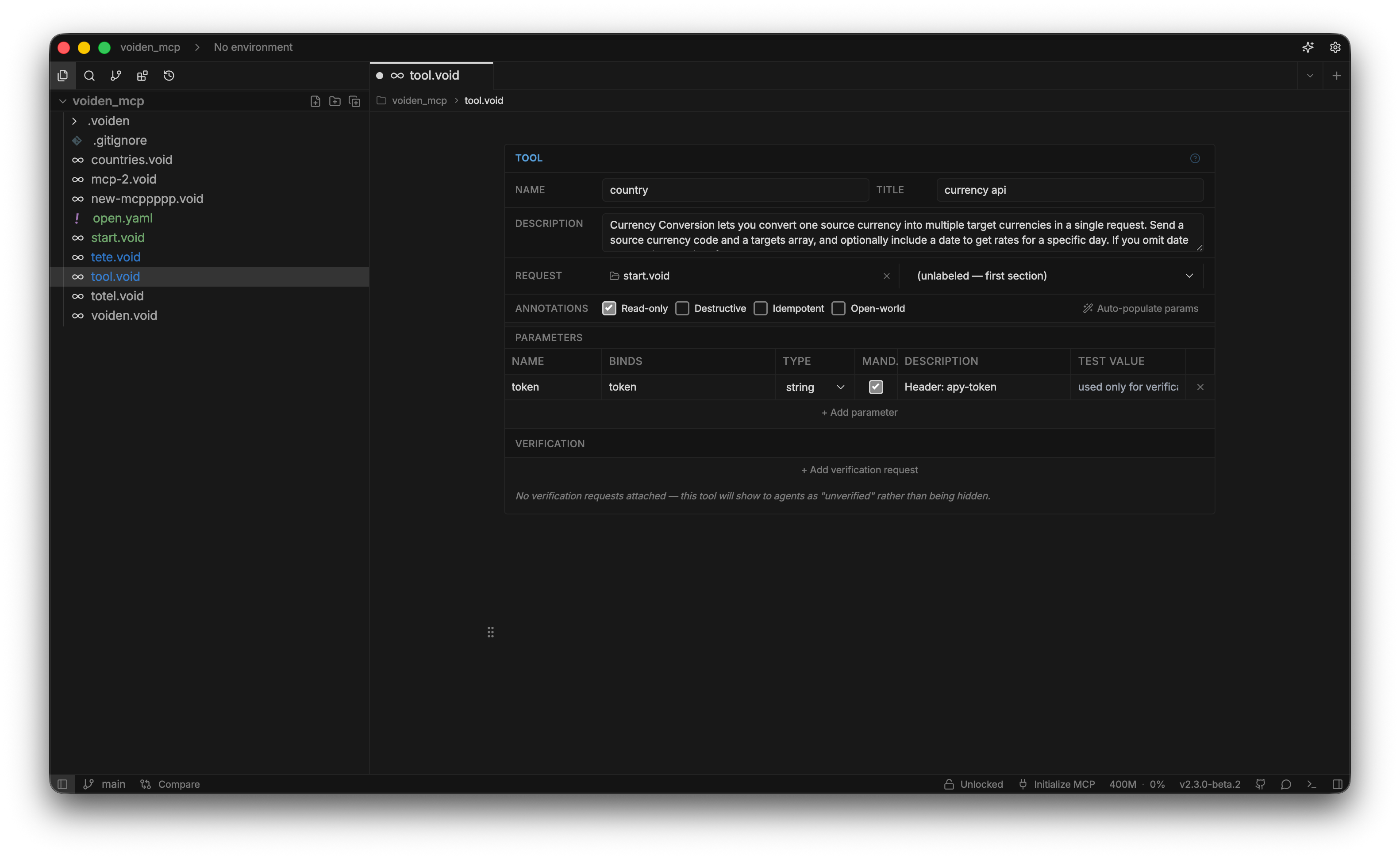
Example: Your support team's assistant needs to issue refunds. You expose the refund request with the order ID as its only input. The assistant can refund orders, and that's all it can do.
Nothing is exposed by default here. A request only becomes callable once you explicitly add a tool block to it.
To set it up: type /tool in the same section as a request you've already tested, then fill in a name and description.
Full write-up: Turn Your Tested API Requests Into Agent-Callable MCP Tools.
MCP client block: test someone else's MCP server
Point an MCP client block at an MCP server, pick a tool, resource, or prompt from the list Voiden discovers for you, and run it with the same auth and assertions you'd use for a REST request.
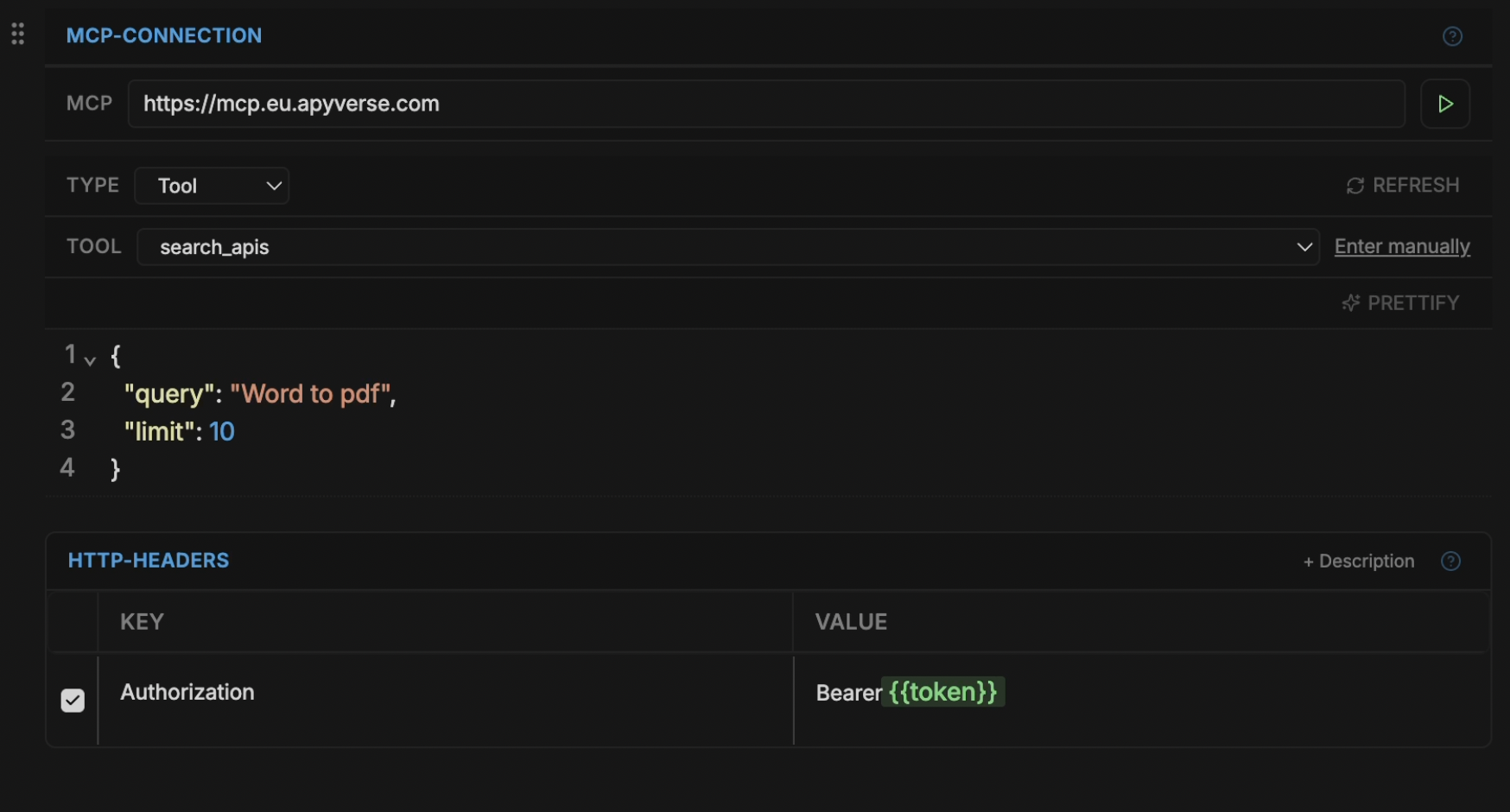
Two ways people use it:
- Your own server: before each release, rerun a saved call to confirm search_orders still returns the shape you expect.
- A vendor's server: explore Notion's MCP server before building on it, and keep the file as a working reference for the team.
To set it up: type /mcp-client in a .void file and paste in the server's URL.
Full write-up: Bring Any MCP Server Into Your API Testing Workflow.
Why it matters
Giving an agent access to an API used to mean writing and maintaining an MCP server by hand. Testing one meant an Inspector tab that forgot everything the moment you closed it. In Voiden, both now live in the file you already have: versioned, reviewable in a pull request, and runnable in CI.
Not sure which one you need?
- Want your own coding agent to run the requests you're already writing? Use Initialize MCP.
- Want to hand a specific, tested request to someone else's agent, like a teammate's or a customer's? Use the tool block.
- Want to test or explore an MCP server someone else built? Use the MCP client block.
Also in 2.3: agents can manage plugins and environments, a new MCP tab to list, verify, and serve tools, a Bruno importer, and a long list of fixes, many from community contributors. Full details: voiden.md/changelog.
Voiden is open source under Apache 2.0.
Download: voiden.md/download
Source: github.com/VoidenHQ/voiden
Questions or edge cases: GitHub Discussions
Related Posts
Phurpa Tsering
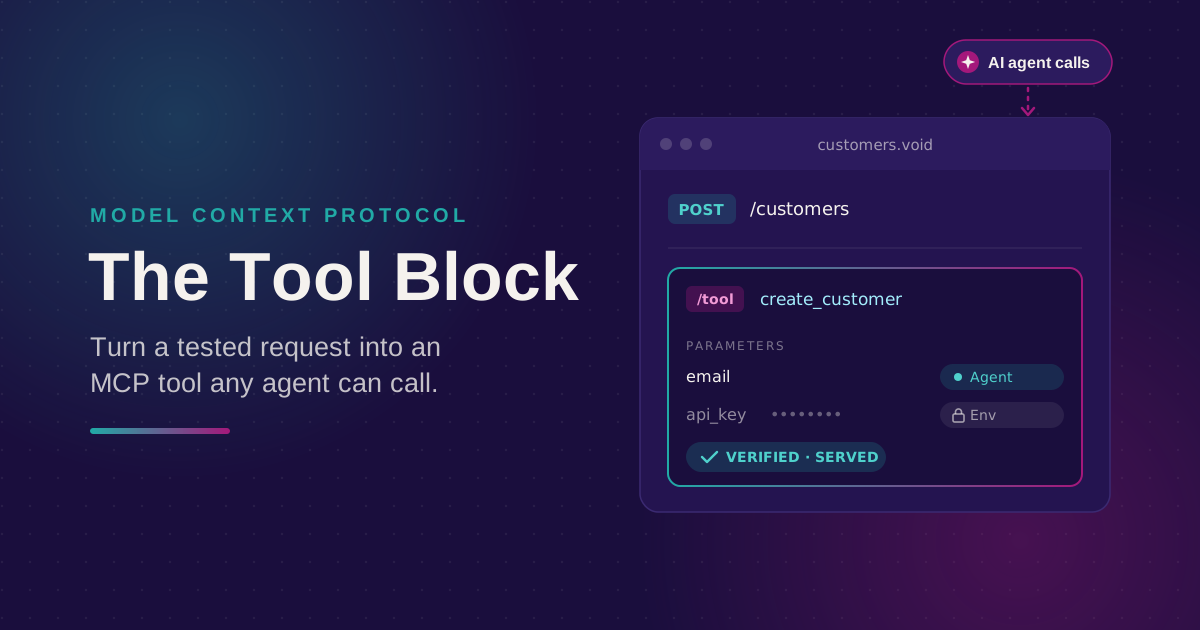
Turn Your Tested API Requests Into Agent-Callable MCP Tools
Turn a request you've already tested into an MCP tool that agents can call, then publish it with @voiden/mcp. Use stdio for local use, or --http/--tunnel for a server you can host.
Phurpa Tsering
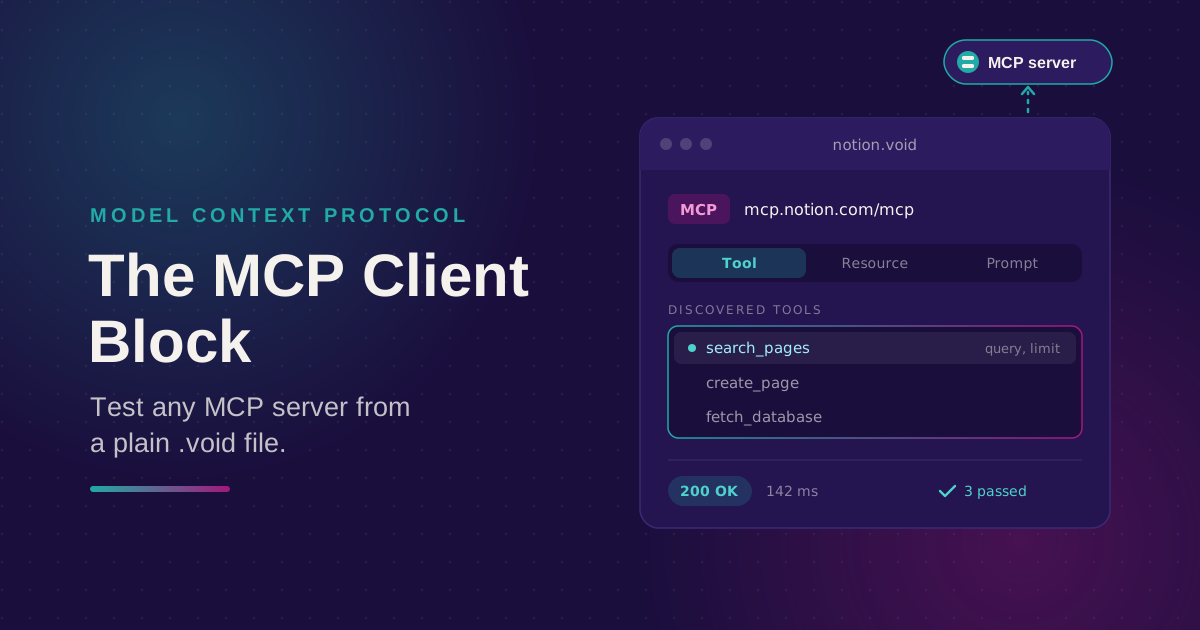
Bring Any MCP Server Into Your API Testing Workflow
Connect to any Streamable HTTP MCP server, browse its tools, resources, and prompts, and call one. Check the response with the same auth and assertion blocks you use for REST, all from a plain .void file.
Phurpa Tsering
Give Your Coding Agent Real Access to Your API Requests
One status-bar button (or one CLI command) registers your project with Claude Code or Codex over MCP, giving your coding agent the same six tools Voiden uses to list, run, and manage requests.